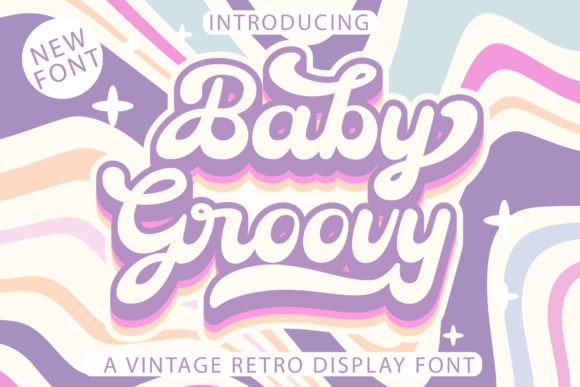
Baby Groovy Font Free Download – Windows, Mac, Linux
Baby Groovy Font: Add a Retro Touch to Your Designs
Are you looking for a font that can add a special retro touch to your design ideas? Look no further than the Baby Groovy font! This cool, vintage-style display font is perfect for designers and crafters who want to create unique and eye-catching designs. In this article, we’ll take a closer look at the Baby Groovy font, its features, and how you can use it to elevate your designs.
📸 Font Preview Gallery
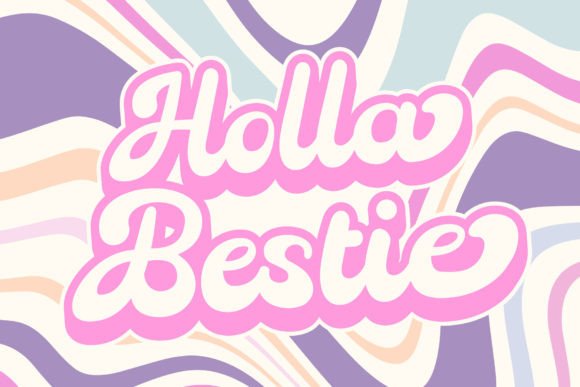
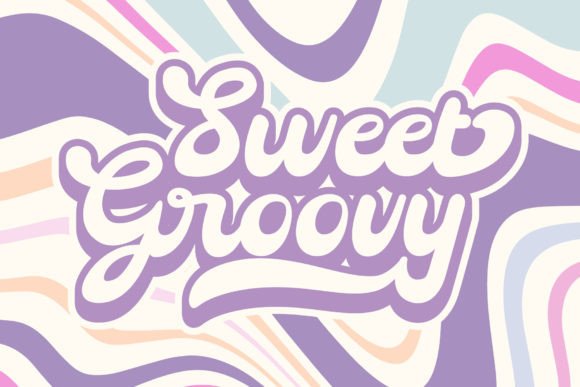
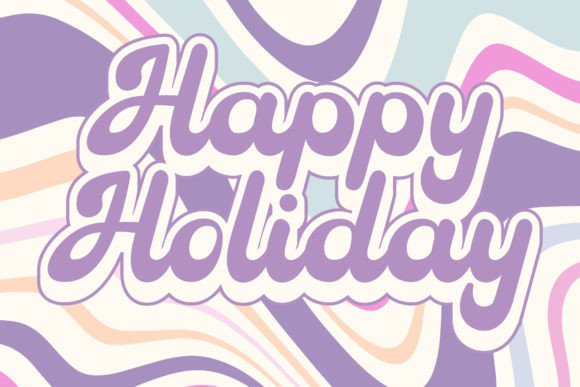
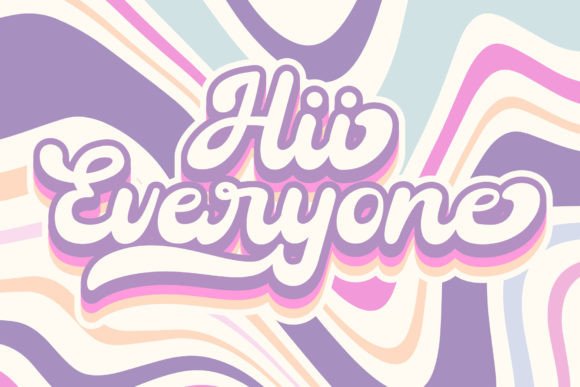
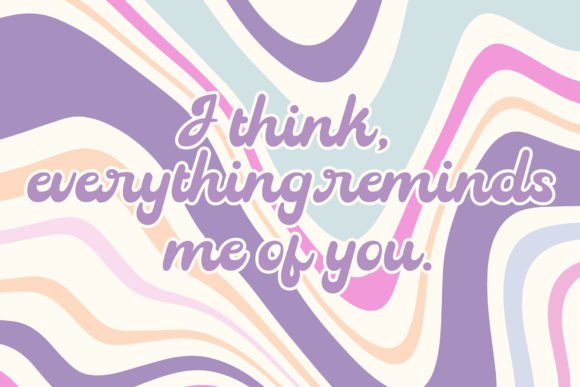
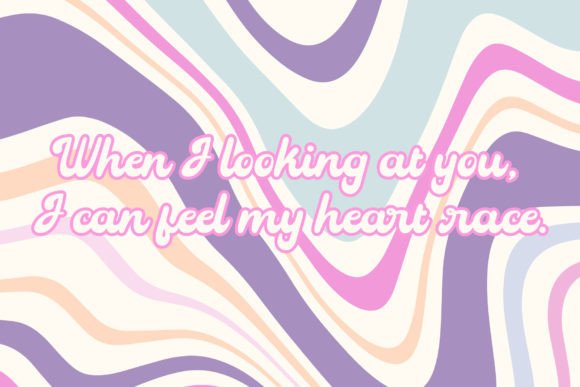
Commercial license included • Instant download • No registration required
What is Baby Groovy Font?
Baby Groovy is a stylish and versatile display font that is inspired by the classic typography of the past. Its vintage-style design makes it perfect for creating retro-themed designs that are sure to stand out. The font is highly legible and can be used for a wide range of design projects, from logos and branding to invitations, stationery, wedding designs, social media posts, and more.
Key Features of Baby Groovy Font
- Vintage-style design: Baby Groovy font has a unique and stylish vintage-style design that is sure to add a retro touch to your designs.
- PUA encoded: The font is PUA (Private Use Area) encoded, which means you can access all glyphs and swashes easily.
- Highly legible: The font is highly legible and can be used for a wide range of design projects.
- Versatile: Baby Groovy font can be used for logos, branding, invitations, stationery, wedding designs, social media posts, and more.
How to Use Baby Groovy Font
Baby Groovy font is easy to use and can be incorporated into your designs in a few simple steps:
- Download and install the font: Simply download the font and install it on your computer.
- Choose your design project: Decide on the design project you want to work on, whether it’s a logo, invitation, or social media post.
- Type out your text: Type out your text using the Baby Groovy font.
- Customize your text: Customize your text by adjusting the size, color, and style to fit your design.
- Add glyphs and swashes: Use the PUA encoded feature to access glyphs and swashes and add a unique touch to your design.
Design Ideas Using Baby Groovy Font
Baby Groovy font can be used for a wide range of design projects. Here are some ideas to get you started:
- Retro-themed logos: Create a retro-themed logo for a brand or business using Baby Groovy font.
- Vintage-style invitations: Design vintage-style invitations for weddings, parties, or other events.
- Social media posts: Use Baby Groovy font to create eye-catching social media posts that stand out.
- Stationery and printables: Create custom stationery and printables, such as greeting cards, gift tags, or bookmarks.
- Wedding designs: Use Baby Groovy font to create beautiful wedding designs, such as wedding invitations, programs, or signs.
Tips and Tricks
Here are some tips and tricks to help you get the most out of Baby Groovy font:
- Experiment with different sizes and colors: Experiment with different sizes and colors to find the perfect combination for your design.
- Use glyphs and swashes: Use the PUA encoded feature to access glyphs and swashes and add a unique touch to your design.
- Pair with other fonts: Pair Baby Groovy font with other fonts to create a unique and interesting design.
Baby Groovy Font: Access Download Now
| Font Name | Baby Groovy Font |
| Author | Densu Creative |
| Download | Access Download Here |
Conclusion
In conclusion, Baby Groovy font is a versatile and stylish display font that can add a retro touch to any design idea. With its vintage-style design, PUA encoded feature, and high legibility, it’s perfect for designers and crafters who want to create unique and eye-catching designs. Whether you’re creating logos, invitations, social media posts, or wedding designs, Baby Groovy font is a great choice. So why not give it a try and see what amazing designs you can create?