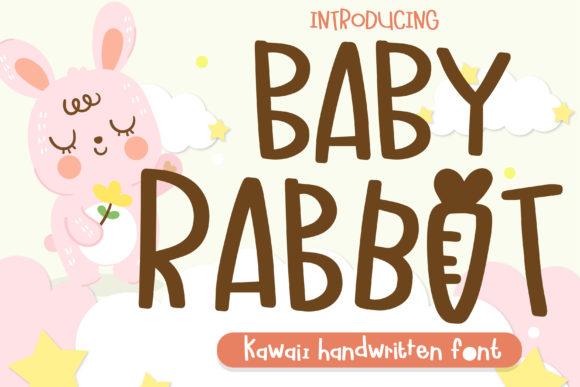
Baby Rabbit Kid Font Free Download – Windows, Mac, Linux
Baby Rabbit Kid Font: The Perfect Addition to Your Design Arsenal
Are you a designer or crafter looking for a font that can add a personal touch to your creations? Look no further than the Baby Rabbit Kid font! This adorable, handwritten font is perfect for chalkboard quotes, teaching materials, and more. In this article, we’ll dive into the features and benefits of the Baby Rabbit Kid font and explore how it can elevate your designs.
📸 Font Preview Gallery
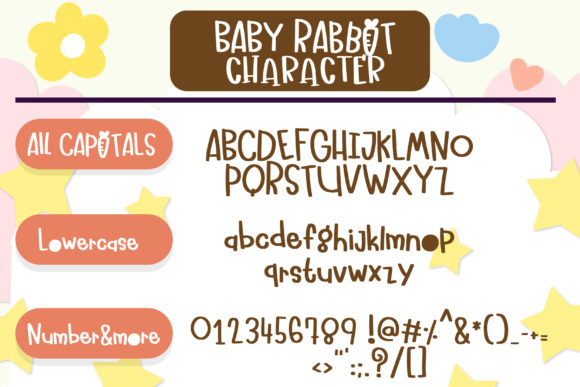
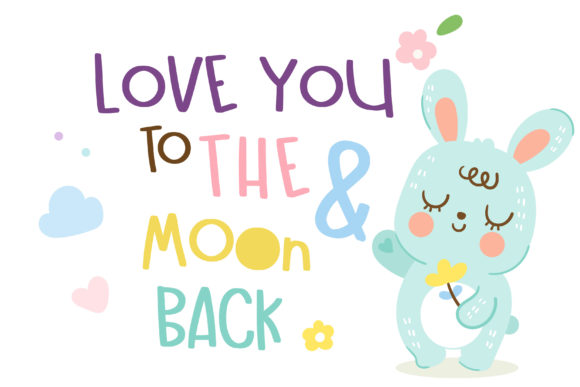
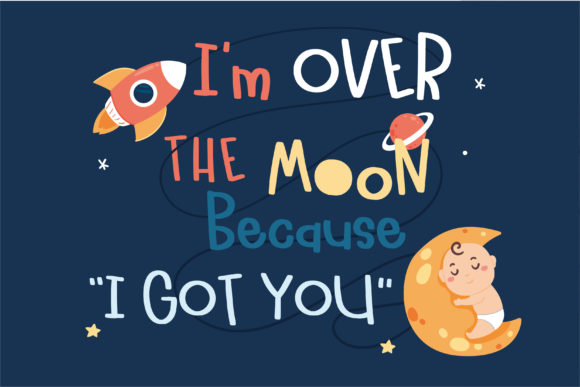
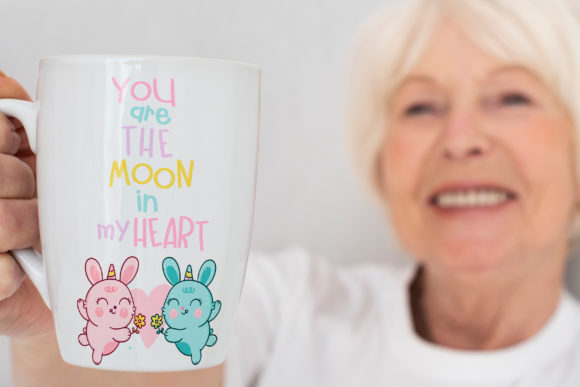
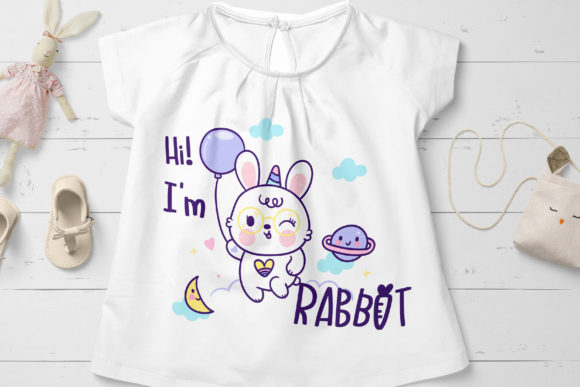
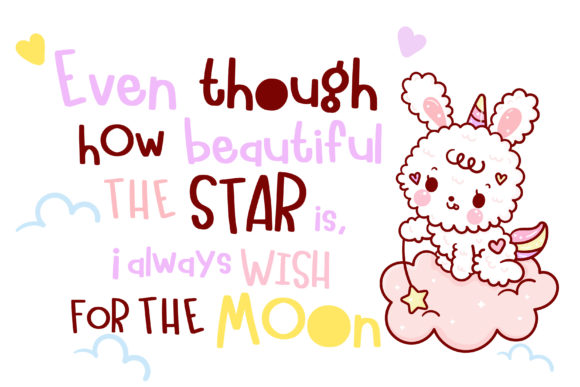
Commercial license included • Instant download • No registration required
What is Baby Rabbit Kid Font?
Baby Rabbit Kid font is a cute and simple lettered handwritten font designed to bring a touch of whimsy to your designs. Its authentic look and feel make it perfect for creating chalkboard quotes, teaching materials, and other educational resources. The font’s playful and childlike vibe is sure to capture the attention of your audience and add a personal touch to your creations.
Key Features of Baby Rabbit Kid Font
- Cute and Simple Design: The Baby Rabbit Kid font features a cute and simple design that is perfect for creating chalkboard quotes and teaching materials.
- Handwritten Style: The font’s handwritten style gives it an authentic look and feel that is sure to add a personal touch to your designs.
- PUA Encoded: The Baby Rabbit Kid font is PUA encoded, which means you can access all of the glyphs and swashes with ease.
- Easy to Use: The font is easy to use and can be installed on your computer in just a few simple steps.
Benefits of Using Baby Rabbit Kid Font
So, why should you choose the Baby Rabbit Kid font for your designs? Here are just a few benefits of using this adorable font:
- Personal Touch: The Baby Rabbit Kid font adds a personal touch to your designs, making them stand out from the crowd.
- Authentic Look: The font’s authentic look and feel make it perfect for creating chalkboard quotes and teaching materials.
- Versatility: The Baby Rabbit Kid font can be used for a variety of design projects, from educational resources to social media graphics.
- Ease of Use: The font is easy to use and can be installed on your computer in just a few simple steps.
How to Use Baby Rabbit Kid Font
Using the Baby Rabbit Kid font is easy! Here are the steps to follow:
- Download the Font: Download the Baby Rabbit Kid font from a reputable font website.
- Install the Font: Install the font on your computer by following the installation instructions.
- Choose the Font: Choose the Baby Rabbit Kid font in your design software.
- Customize Your Design: Customize your design using the font’s glyphs and swashes.
Design Ideas Using Baby Rabbit Kid Font
The Baby Rabbit Kid font is versatile and can be used for a variety of design projects. Here are a few ideas to get you started:
- Chalkboard Quotes: Use the Baby Rabbit Kid font to create chalkboard quotes that are perfect for social media or educational resources.
- Teaching Materials: Use the font to create teaching materials, such as worksheets, posters, and presentations.
- Social Media Graphics: Use the font to create social media graphics, such as Facebook posts and Instagram stories.
- Crafting Projects: Use the font to create crafting projects, such as signs, banners, and cards.
Baby Rabbit Kid Font: Access Download Now
| Font Name | Baby Rabbit Kid Font |
| Author | vividdiy8 |
| Download | Access Download Here |
Conclusion
In conclusion, the Baby Rabbit Kid font is a great addition to any designer’s or crafter’s arsenal. Its cute and simple design, handwritten style, and PUA encoding make it perfect for creating chalkboard quotes, teaching materials, and more. With its ease of use and versatility, the Baby Rabbit Kid font is sure to become a favorite font in your design collection.