Christmas Gingham Font Free Download – Windows, Mac, Linux
Bring Cozy Holiday Vibes to Your Designs with Christmas Gingham Font
It’s the most wonderful time of the year! Are you looking for a way to add a playful and festive touch to your Christmas crafts, cards, T-shirts, and decorations? Look no further than the Christmas Gingham Color Font, a charming plaid-style alphabet that’s sure to bring cozy holiday vibes to your designs.
📸 Font Preview Gallery
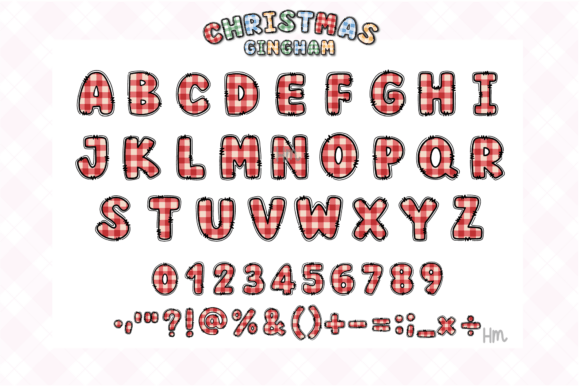
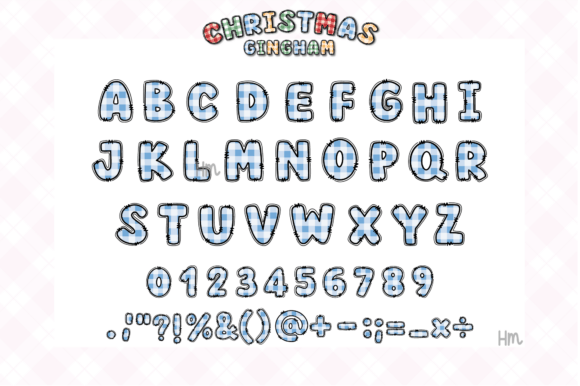
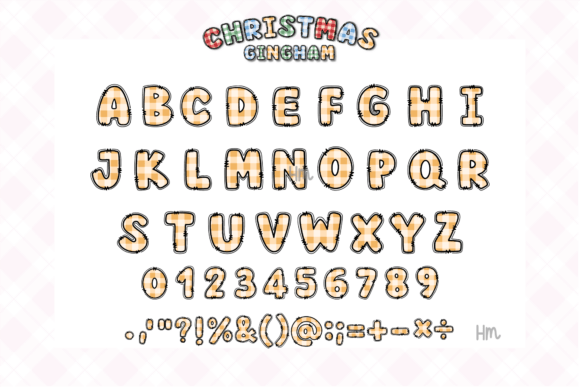
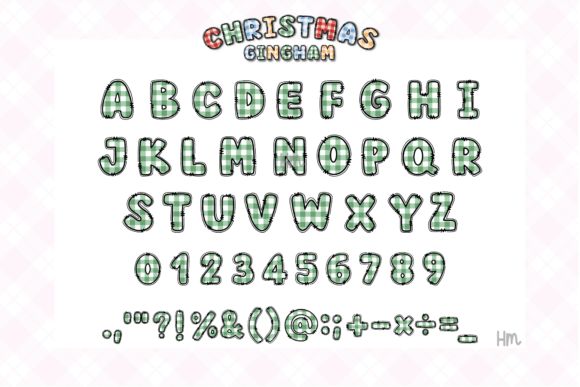

Commercial license included • Instant download • No registration required
What is Christmas Gingham Font?
Christmas Gingham Font is a unique and eye-catching color font that’s perfect for the holiday season. Its playful plaid design is reminiscent of traditional gingham fabric, but with a modern twist that’s sure to make your designs stand out. The font is available in OTF and/or TTF file formats, making it compatible with a range of design software.
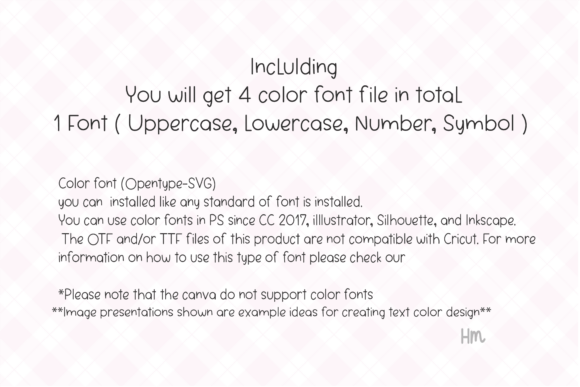
Compatibility and Usage
So, what software can you use with Christmas Gingham Font? The good news is that it’s compatible with a range of popular design tools, including:
- Adobe Photoshop (CC 2017 and later)
- Adobe Illustrator
- Silhouette
- Inkscape
However, it’s worth noting that the OTF and/or TTF files of this product are not compatible with Cricut. But don’t worry, there are still plenty of other ways to use this amazing font to elevate your designs.
Using Color Fonts in Your Designs
One of the best things about Christmas Gingham Font is that it’s a color font, which means you can use it to add an extra pop of color to your designs. But if you’re new to working with color fonts, you might be wondering how to get started.
Here’s a tip: when working with color fonts in software like Adobe Photoshop or Illustrator, you can simply select the font and start typing. The color font will automatically display in a range of colors, which you can then adjust to suit your design.
A Note on Canva
Unfortunately, Canva does not currently support color fonts, which means you won’t be able to use Christmas Gingham Font directly in the platform. However, there are still ways to use the font in Canva – for example, you can convert the text to a shape and then upload it as an image.
Ideas for Using Christmas Gingham Font
So, what can you create with Christmas Gingham Font? The possibilities are endless! Here are a few ideas to get you started:
- Christmas cards and invitations: Add a playful touch to your holiday cards and invitations with this charming font.
- T-shirts and hoodies: Create festive apparel with Christmas Gingham Font – perfect for holiday parties and events.
- Decorations: Use the font to create custom holiday decorations, such as garlands, banners, and signs.
- Crafts: Add a personal touch to your holiday crafts, such as gift tags, gift boxes, and ornaments.
Tips for Getting the Most Out of Christmas Gingham Font
Here are a few tips for getting the most out of Christmas Gingham Font:
- Experiment with different colors: While the font looks great in its default colors, don’t be afraid to experiment with different color combinations to make it your own.
- Mix and match with other fonts: Try pairing Christmas Gingham Font with other fonts to create a unique and eye-catching design.
- Use it sparingly: Because Christmas Gingham Font is such a bold and playful font, it’s best to use it sparingly to avoid overwhelming your design.
Christmas Gingham Font: Access Download Now
| Font Name | Christmas Gingham Font |
| Author | Honiiemoon |
| Download | Access Download Here |
Conclusion
If you’re looking for a way to add some festive fun to your designs this holiday season, Christmas Gingham Font is the perfect choice. With its playful plaid design and compatibility with a range of design software, it’s easy to see why this font is a must-have for designers and crafters alike. So why wait? Download Christmas Gingham Font today and start bringing cozy holiday vibes to your designs!