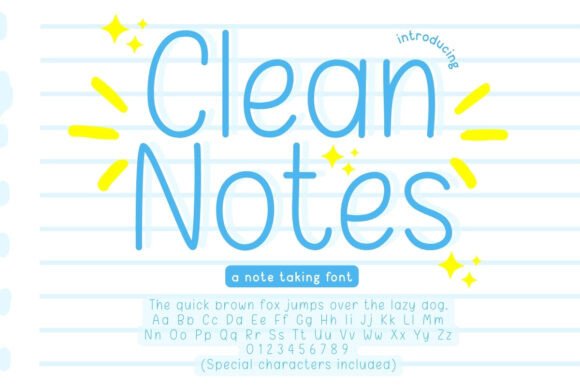
Clean Notes Font Free Download – Windows, Mac, Linux
Clean Notes Font: Elevate Your Note-Taking and Design Experience
Are you tired of cluttered and disorganized notes? Do you strive for a clean and professional look in your digital planners, journals, and creative projects? Look no further than Clean Notes Font, a sleek and minimal handwriting font designed specifically for clean and organized note-taking.
📸 Font Preview Gallery
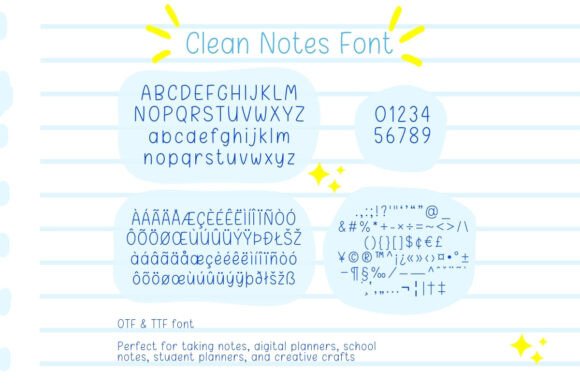
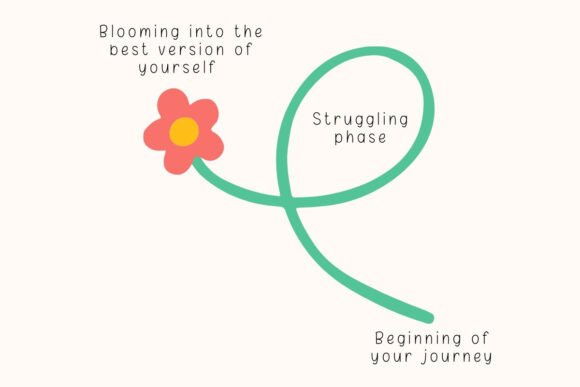
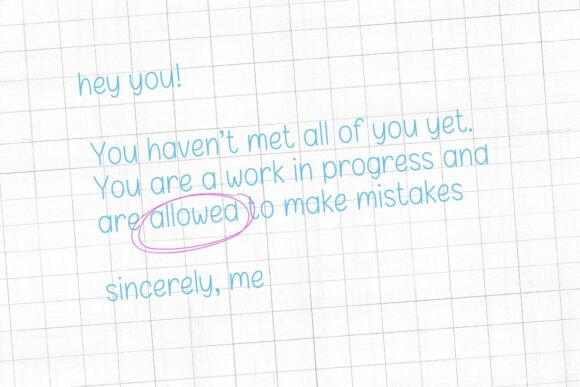

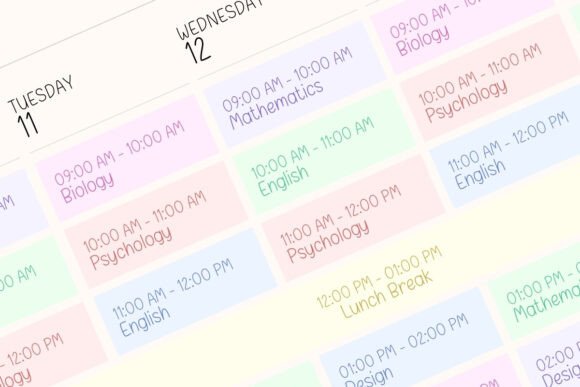
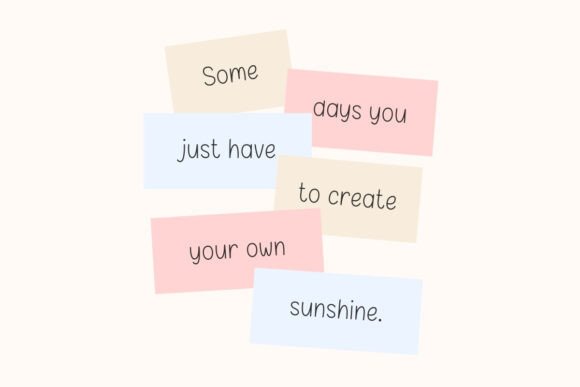
Commercial license included • Instant download • No registration required
What is Clean Notes Font?
Clean Notes is a thoughtfully crafted font that embodies simplicity and elegance. Its minimal handwriting style ensures that your notes, journals, and designs are tidy and easy to read. Whether you’re a student, a designer, or a crafter, this font is perfect for anyone looking to add a touch of sophistication to their work.
Key Features of Clean Notes Font
- Minimal and clean handwriting style: Clean Notes boasts a simple yet stylish handwriting style that is easy on the eyes.
- Perfect for both print and digital designs: This versatile font can be used for a wide range of applications, from digital planners and journals to printables and crafts.
- Compatible with popular tools and platforms: Clean Notes is seamlessly compatible with Canva, Procreate, GoodNotes, Notion, iPad, Cricut, and more.
Perfect for School Notes and Student Planners
As a student, staying organized is crucial for academic success. Clean Notes Font is designed to help you keep your notes and planners tidy and easy to read. Whether you’re using digital tools like GoodNotes or creating printables with Canva, this font ensures that your school notes and student planners look professional and polished.
Ideal for Digital Journaling and Creative Projects
Clean Notes Font is not just limited to academic use. Its elegant and simple style makes it perfect for digital journaling, creative projects, and crafts. Whether you’re designing a digital planner, a journal, or a printable art piece, this font adds a touch of sophistication and elegance to your work.
Benefits of Using Clean Notes Font
- Enhance readability: Clean Notes Font is designed to be easy on the eyes, making it perfect for reading and note-taking.
- Save time: With its clean and organized style, you can quickly create professional-looking notes and designs.
- Boost creativity: The elegant and simple style of Clean Notes Font inspires creativity and makes your designs stand out.
How to Use Clean Notes Font
Using Clean Notes Font is easy and straightforward. Here’s how to get started:
- Download and install the font on your device.
- Open your preferred design tool or platform (e.g., Canva, Procreate, GoodNotes).
- Select Clean Notes Font from your font library.
- Start creating your design, notes, or journal entries.
Clean Notes Font: Access Download Now
| Font Name | Clean Notes Font |
| Author | narinari32 |
| Download | Access Download Here |
Conclusion
Clean Notes Font is a versatile and elegant font designed for clean and organized note-taking. Its minimal handwriting style, compatibility with popular tools, and ease of use make it perfect for students, designers, and crafters. Whether you’re creating digital planners, journals, or printables, Clean Notes Font adds a simple yet elegant touch to your work. Upgrade your note-taking and design experience with Clean Notes Font today!