
Fall Leaves Font Free Download – Windows, Mac, Linux
Introducing the Fall Leaves Font: Add a Touch of Autumn to Your Designs
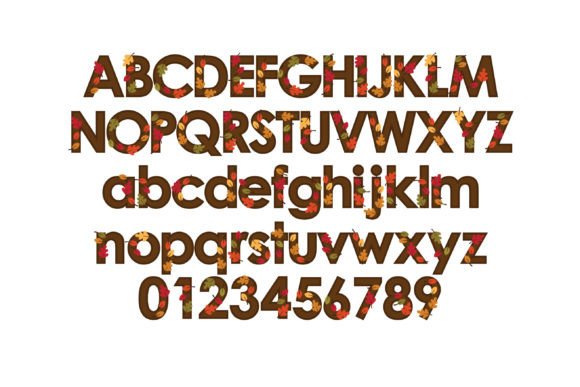
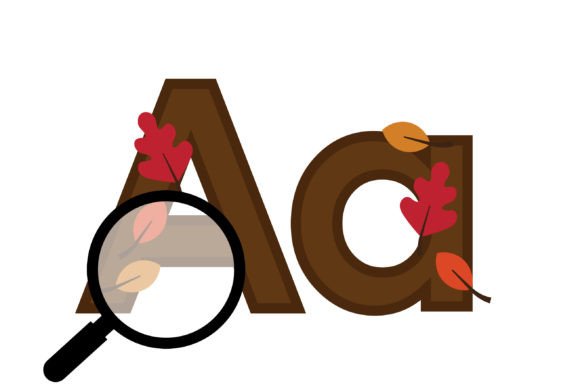
As the seasons change and autumn arrives, designers and crafters are on the lookout for creative ways to incorporate the warmth and coziness of fall into their projects. One exciting way to do this is with the Fall Leaves Font, a stunning full-color font featuring sans serif lettering with vibrant autumn leaves. In this article, we’ll explore the features and benefits of this unique font, and how you can use it to add a touch of personality to your designs.
📸 Font Preview Gallery
Commercial license included • Instant download • No registration required
What is the Fall Leaves Font?
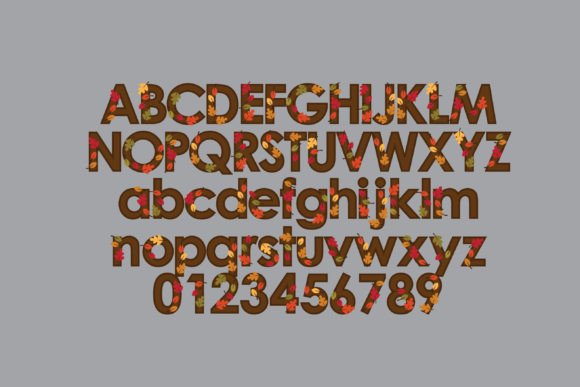
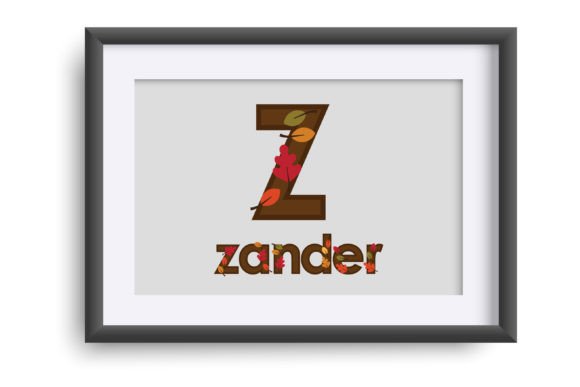
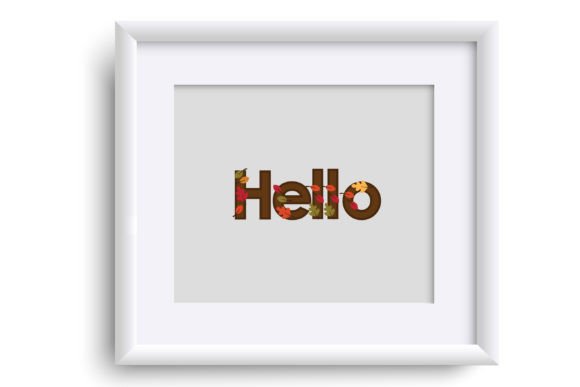
The Fall Leaves Font is an OpenType full-color (SVG) font that combines beautiful sans serif lettering with colorful autumn leaves. This font is perfect for designers and crafters who want to add a seasonal touch to their projects, from greeting cards and invitations to logos and social media graphics.
How to Install and Use the Fall Leaves Font
Installing the Fall Leaves Font is easy. Simply follow these steps:
- For Mac users: Install via FontBook, just like you would with any normal .otf font.
- For Windows users: Install via your preferred font manager or Control Panel.
Once installed, you can use the Fall Leaves Font in a variety of programs, including Adobe products, Silhouette Studio, Quark, and Inkscape. However, please note that color fonts may show as black in non-compatible programs.
What is an OpenType Full-Color (SVG) Font?
OpenType full-color (SVG) fonts are a relatively new technology that allows designers to use colorful, vector-based fonts in their projects. Unlike traditional fonts, which are limited to a single color, SVG fonts can feature a range of colors and styles, making them perfect for creating eye-catching designs.
Benefits of Using Full-Color SVG Fonts
So why choose a full-color SVG font like the Fall Leaves Font? Here are just a few benefits:
- Add a touch of personality to your designs: With a full range of colors and styles to choose from, you can create unique and eye-catching designs that reflect your brand or personal style.
- Scalability: SVG fonts are vector-based, which means they can be scaled to any size without losing quality. Perfect for logos, social media graphics, and other designs that need to be resized.
- Flexibility: Use SVG fonts in a variety of projects, from simple text logos to complex illustrations.
Programs that Support Full-Color SVG Fonts
While not all programs support full-color SVG fonts, many popular design and crafting software do. Here are a few examples:
- Adobe products (e.g. Illustrator, Photoshop)
- Silhouette Studio
- Quark
- Inkscape
To check if your program supports full-color SVG fonts, simply type on a document and see if the font appears in color. If it shows as black, it may not be compatible.
Tips for Using the Fall Leaves Font
Here are a few tips for getting the most out of the Fall Leaves Font:
- Experiment with different colors and styles: Try pairing the Fall Leaves Font with other fonts or colors to create unique and eye-catching designs.
- Use it for seasonal projects: The Fall Leaves Font is perfect for autumn-themed projects, such as Halloween invitations or Thanksgiving cards.
- Combine with other design elements: Use the Fall Leaves Font in combination with other design elements, such as shapes or illustrations, to create complex and visually appealing designs.
Fall Leaves Font: Access Download Now
| Font Name | Fall Leaves Font |
| Author | Illustration Ink |
| Download | Access Download Here |
Conclusion
The Fall Leaves Font is a unique and exciting way to add a touch of autumn to your designs. With its beautiful sans serif lettering and vibrant autumn leaves, this full-color SVG font is perfect for designers and crafters looking to create eye-catching and seasonal projects. Whether you’re creating logos, social media graphics, or greeting cards, the Fall Leaves Font is a versatile and fun font that’s sure to inspire your creativity.