
Fifties Imprint Font Free Download – Windows, Mac, Linux
Fifties Imprint Font: Add a Touch of Retro Personality to Your Designs
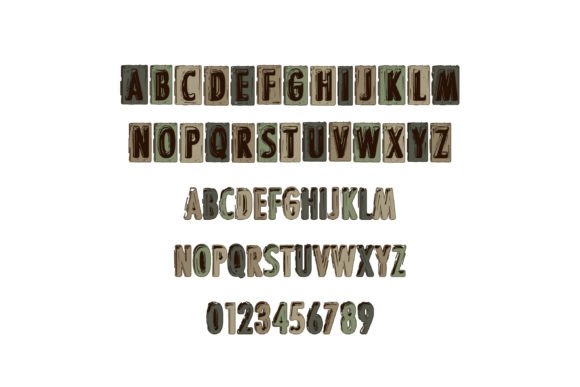
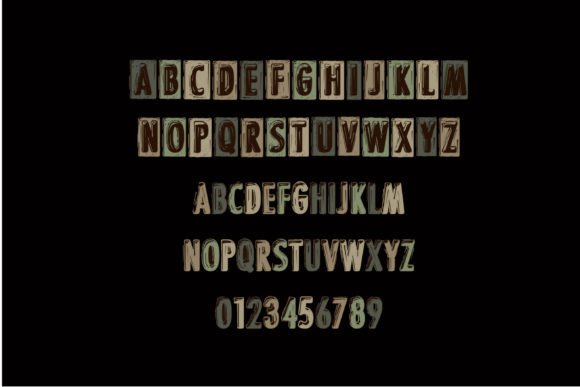
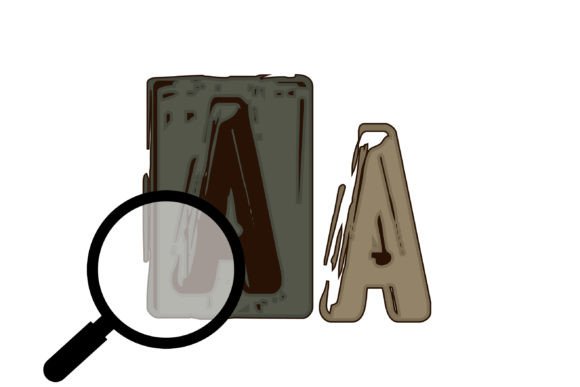
Are you looking for a unique and eye-catching font to add a touch of personality to your designs? Look no further than the Fifties Imprint Font, a full-color font that features old school lettering that looks like imprinted metal in a khaki/military color palette. This font is perfect for designers and crafters who want to add a retro touch to their work.
📸 Font Preview Gallery
Commercial license included • Instant download • No registration required
What is Fifties Imprint Font?
Fifties Imprint Font is a full-color OpenType font that features a unique and stylish design. The font is inspired by the imprinted metal letters often seen on military equipment and vintage signs. The font comes in a khaki/military color palette, giving it a distinctive and recognizable look.
Key Features of Fifties Imprint Font
- Full-color design: The font features a full-color design, with a range of colors that can be used to add depth and interest to your designs.
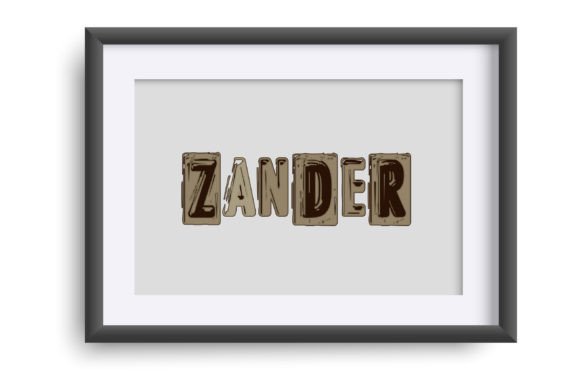
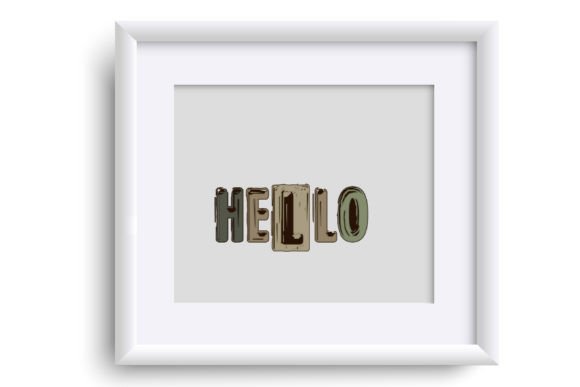
- Old school lettering: The font features old school lettering that looks like imprinted metal, giving it a unique and retro look.
- Khaki/military color palette: The font comes in a khaki/military color palette, which gives it a distinctive and recognizable look.
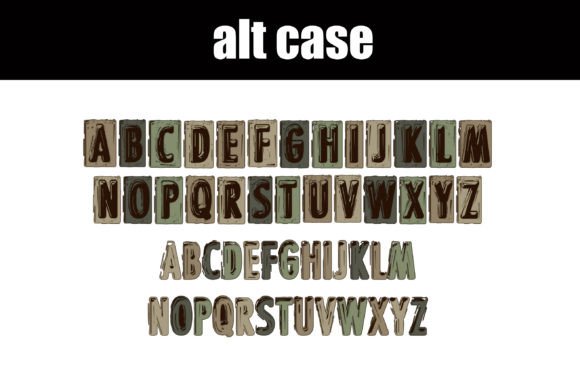
- Alt version of each letter: The font includes an alt version of each letter in a different color, which can be accessed through your system character map.
How to Install Fifties Imprint Font
Installing Fifties Imprint Font is easy and straightforward. The font can be installed like any normal .otf font, using FontBook for Mac users or via your preferred font manager or Control Panel in Windows. Here are the steps to follow:
- Download the font file from the website.
- Open FontBook on Mac or your preferred font manager on Windows.
- Click on the “+” icon to add a new font.
- Select the font file and click “Install”.
Using Fifties Imprint Font
Fifties Imprint Font can be used in a variety of design programs, including Adobe products, Silhouette Studio, Quark, and Inkscape. The font will show up in color in programs that support full-color SVG fonts. Here are a few things to keep in mind when using the font:
- Color fonts will show as black in non-compatible programs: If you’re using a program that doesn’t support full-color SVG fonts, the font will show up as black.
- Check for compatibility: Before using the font, make sure that your design program supports full-color SVG fonts.
- Experiment with different colors and styles: The font comes with a range of colors and styles to choose from, so don’t be afraid to experiment and try out different combinations.
Benefits of Using Fifties Imprint Font
Fifties Imprint Font offers a range of benefits for designers and crafters, including:
- Unique and eye-catching design: The font features a unique and eye-catching design that can add a touch of personality to your designs.
- Retro look: The font has a retro look that can add a vintage touch to your designs.
- Easy to use: The font is easy to install and use, making it accessible to designers and crafters of all levels.
- Compatible with a range of design programs: The font is compatible with a range of design programs, making it easy to incorporate into your workflow.
Fifties Imprint Font: Access Download Now
| Font Name | Fifties Imprint Font |
| Author | Illustration Ink |
| Download | Access Download Here |
Conclusion
Fifties Imprint Font is a unique and eye-catching font that can add a touch of personality to your designs. With its full-color design, old school lettering, and khaki/military color palette, this font is perfect for designers and crafters who want to add a retro touch to their work. Whether you’re creating signs, logos, or other designs, Fifties Imprint Font is a great choice. So why not give it a try and see what you can create?