Happy New Year Font Free Download – Windows, Mac, Linux
Happy New Year Font: Add Festive Vibes to Your Designs with Fun Dingbats
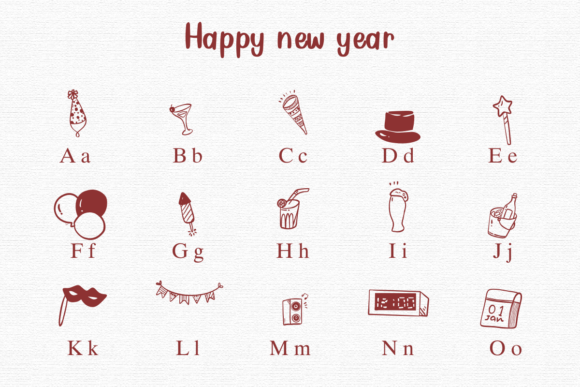
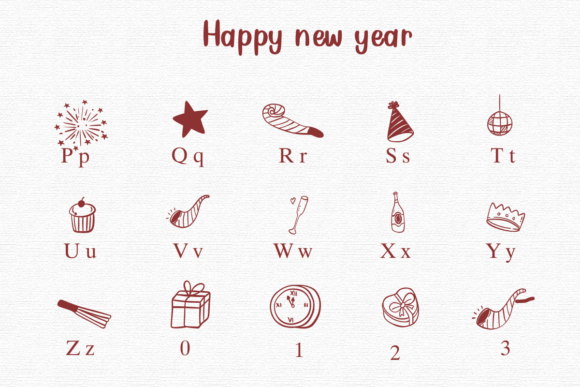
As the clock strikes midnight on New Year’s Eve, the world erupts in a celebration of new beginnings. What better way to capture the essence of this joyous occasion than with a special font that embodies the spirit of the season? Enter the “Happy New Year” dingbat font, a delightful alphabet where letters are replaced with adorable symbols related to New Year celebrations. In this article, we’ll dive into the world of Happy New Year fonts, exploring their uses, benefits, and how to incorporate them into your designs.
📸 Font Preview Gallery

Commercial license included • Instant download • No registration required
What is a Dingbat Font?
A dingbat font, also known as a symbol font or ornament font, is a type of font that replaces traditional letters with decorative symbols, icons, or graphics. These fonts are often used to add visual interest and personality to designs, making them perfect for special occasions like holidays, birthdays, and celebrations. The “Happy New Year” dingbat font takes this concept to the next level by featuring an array of festive symbols that scream “Happy New Year!”
Features of Happy New Year Font
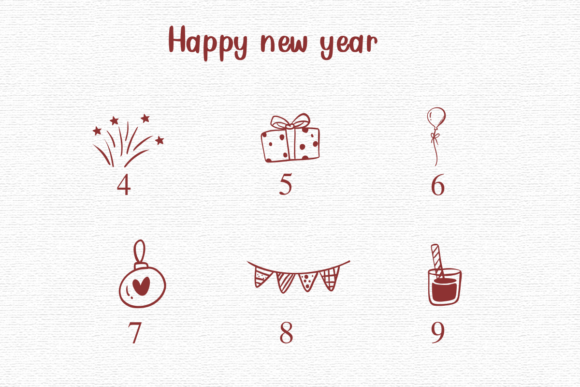
The “Happy New Year” dingbat font is a treasure trove of fun and festive symbols, including:
- Party hats and noisemakers
- Fireworks and sparklers
- Champagne glasses and bottles
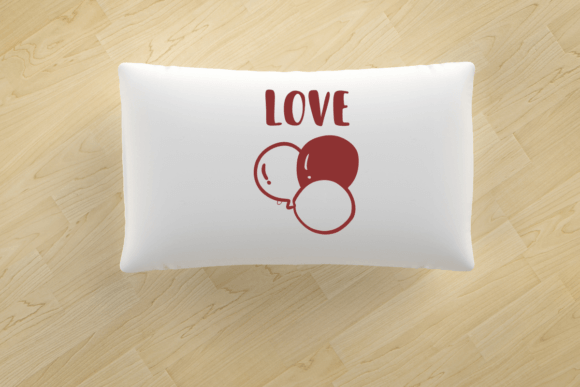
- Confetti and balloons
- Clocks striking midnight
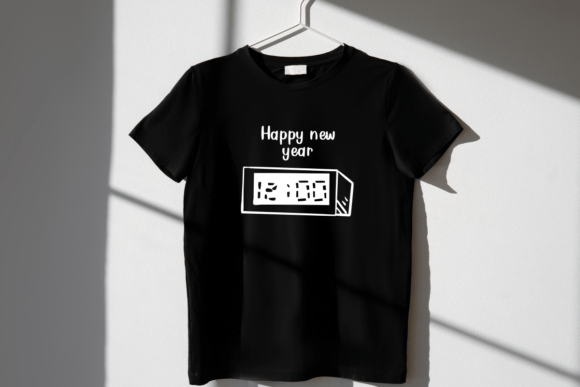
These symbols can be used to create eye-catching designs, social media posts, and messages that spread joy and excitement for the New Year. Whether you’re a designer, crafter, or simply someone who loves to get creative, this font is sure to inspire your next project.
Benefits of Using Happy New Year Font
So, why should you use the “Happy New Year” dingbat font in your designs? Here are just a few benefits:
- Adds a touch of festivity: Instantly inject your designs with the spirit of New Year’s celebrations.
- Easy to use: Simply type out your message, and the font will replace each letter with a corresponding symbol.
- Customizable: Experiment with different font sizes, colors, and arrangements to create unique designs.
- Versatile: Suitable for a wide range of applications, from social media posts to print materials, like party invitations and decorations.
How to Use Happy New Year Font in Your Designs
Ready to get creative with the “Happy New Year” dingbat font? Here’s a step-by-step guide to get you started:
- Download and install the font on your computer or device.
- Choose a design software or platform that supports font installation, such as Adobe Illustrator, Canva, or Microsoft Word.
- Type out your message or text using the “Happy New Year” dingbat font.
- Experiment with font sizes, colors, and arrangements to create a unique design.
- Save and share your design on social media, or use it for print materials.
Ideas for Using Happy New Year Font
The possibilities are endless when it comes to using the “Happy New Year” dingbat font. Here are a few ideas to get you started:
- Social media posts: Create eye-catching Facebook, Instagram, or Twitter posts to wish your friends and followers a Happy New Year.
- Party invitations: Design custom invitations that set the tone for a festive New Year’s Eve party.
- Decorations: Use the font to create printable decorations, such as garlands, banners, or gift tags.
- Digital greeting cards: Create personalized e-cards to send to loved ones.
Happy New Year Font: Access Download Now
| Font Name | Happy New Year Font |
| Author | Nongyao |
| Download | Access Download Here |
Conclusion
The “Happy New Year” dingbat font is a fun and creative way to add festive vibes to your designs and messages. With its array of adorable symbols and ease of use, it’s perfect for designers, crafters, and anyone looking to spread joy and excitement for the New Year. So, download the font, get creative, and ring in the New Year with style and festivity!