
A-z Print Font Free Download – Windows, Mac, Linux
A-Z Print Font: Elevate Your Designs with Vibrant, Rainbow-Colored Lettering
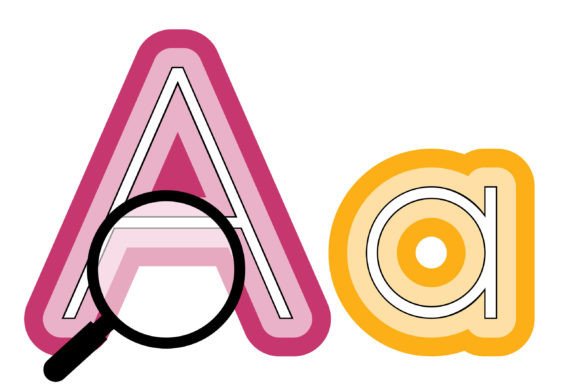
Are you tired of using the same old fonts in your designs? Look no further than the A-Z Print Font, a traditional print-style lettering font with a modern twist – rainbow-colored outlines. This stunning full-color font is perfect for designers and crafters looking to add a touch of personality to their work. In this article, we’ll dive into the world of A-Z Print Font, exploring its features, benefits, and how to get started with this exciting new font.
📸 Font Preview Gallery
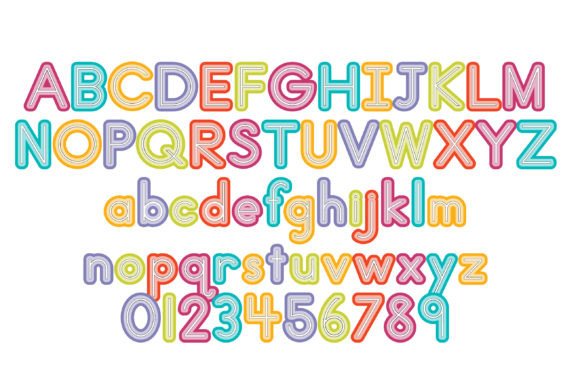
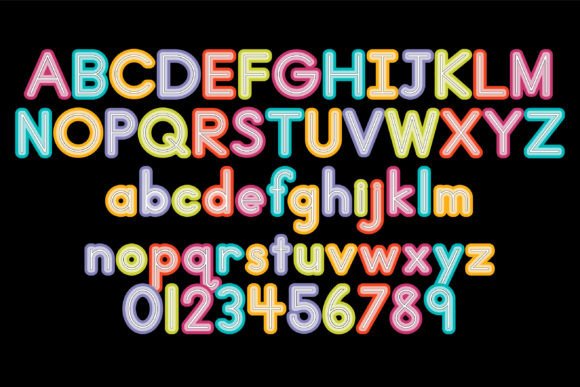
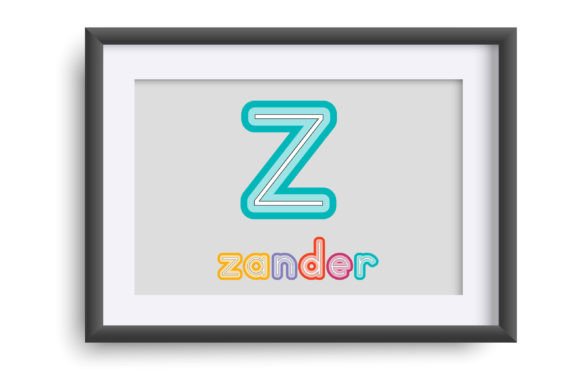
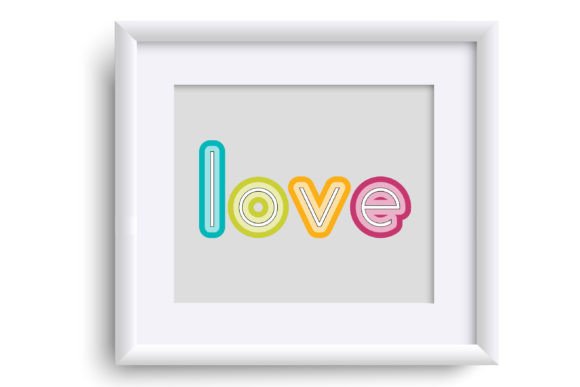
Commercial license included • Instant download • No registration required
What is A-Z Print Font?
A-Z Print Font is an OpenType full-color (SVG) font that can be installed like any normal .otf font. This means that Mac users can install it via FontBook, while Windows users can use their preferred font manager or Control Panel. This font is designed to bring a pop of color to your designs, with a range of vibrant, rainbow-colored outlines that will make your text stand out.
How Does it Work?
When you install A-Z Print Font, it works just like any other font. However, it’s essential to note that color fonts will show as black in non-compatible programs. This can sometimes occur when choosing the font in the preview window, even in programs that support color fonts. But don’t worry, you’ll know if your program supports color fonts when you see your text appear in color as you type.
Which Programs Support A-Z Print Font?
Fortunately, many popular design programs support full-color SVG fonts like A-Z Print Font. Some of the programs that currently support this font include:
- Adobe products
- Silhouette Studio
- Quark
- Inkscape
If you’re unsure whether your program supports color fonts, it’s always best to check the software’s documentation or contact their support team.
Benefits of Using A-Z Print Font
So, why should you choose A-Z Print Font for your designs? Here are just a few benefits of using this amazing font:
- Add a touch of personality: With A-Z Print Font, you can add a dash of color and whimsy to your designs, making them stand out from the crowd.
- Scalable to any size: As a vector-based font, A-Z Print Font can be scaled up or down without losing quality, making it perfect for everything from business cards to billboards.
- Wide range of styles: With a full range of colors and styles to choose from, you can create anything from simple text logos to complex illustrations.
Getting Started with A-Z Print Font
Ready to give A-Z Print Font a try? Here’s how to get started:
- Download and install the font using your preferred font manager or Control Panel.
- Open your design program and select A-Z Print Font from the font menu.
- Start typing and see your text come to life in vibrant, rainbow-colored outlines.
Tips and Tricks for Using A-Z Print Font
To get the most out of A-Z Print Font, here are a few tips and tricks to keep in mind:
- Experiment with colors: Don’t be afraid to try out different color combinations to find the perfect look for your design.
- Mix and match styles: A-Z Print Font offers a range of styles to choose from – experiment with different styles to add depth and interest to your design.
- Use it for headlines and titles: A-Z Print Font is perfect for headlines and titles, where you want to make a bold statement.
A-z Print Font: Access Download Now
| Font Name | A-z Print Font |
| Author | Illustration Ink |
| Download | Access Download Here |
Conclusion
A-Z Print Font is an exciting new font that’s perfect for designers and crafters looking to add a touch of personality to their work. With its vibrant, rainbow-colored outlines and wide range of styles, this font is sure to take your designs to the next level. Whether you’re creating simple text logos or complex illustrations, A-Z Print Font is the perfect choice. So why wait? Download A-Z Print Font today and start adding a pop of color to your designs!