
Angry Slingshots Font Free Download – Windows, Mac, Linux
Unleash Your Creativity with Angry Slingshots Font: A Comprehensive Guide
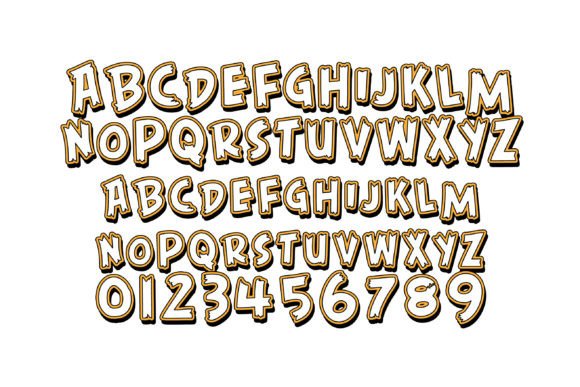
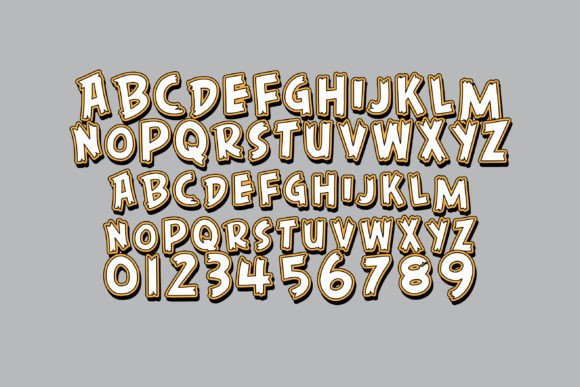
Are you a designer or crafter looking for a unique and eye-catching font to elevate your projects? Look no further than the Angry Slingshots Font, a full-color font that features wooden-like 3D lettering in an angry color palette. In this article, we’ll dive into the details of this exciting font, its features, and how to make the most of it in your designs.
📸 Font Preview Gallery
Commercial license included • Instant download • No registration required
What is Angry Slingshots Font?
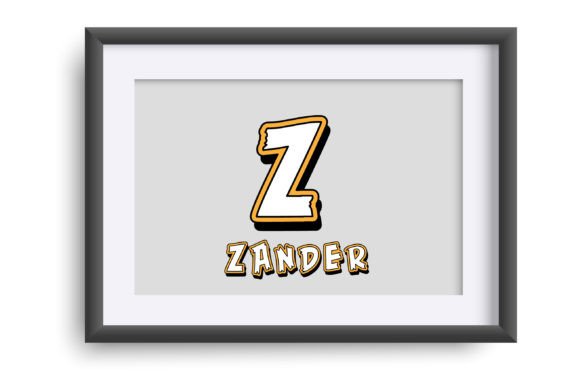
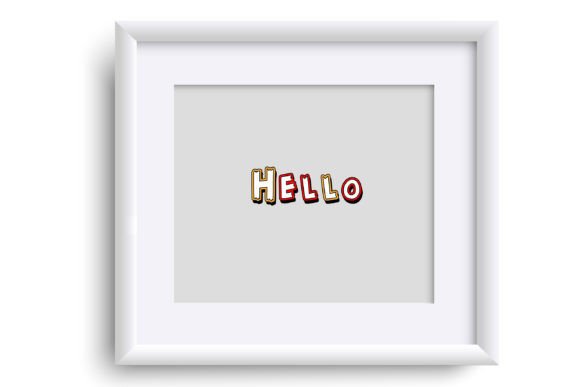
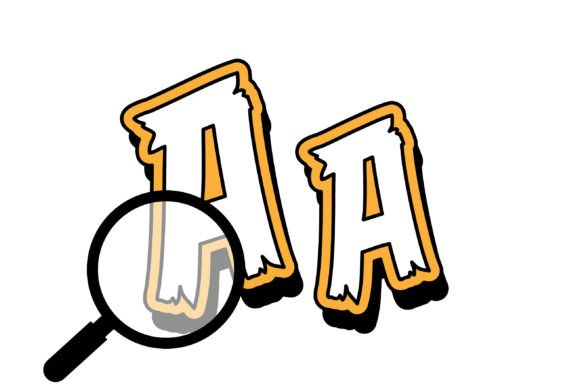
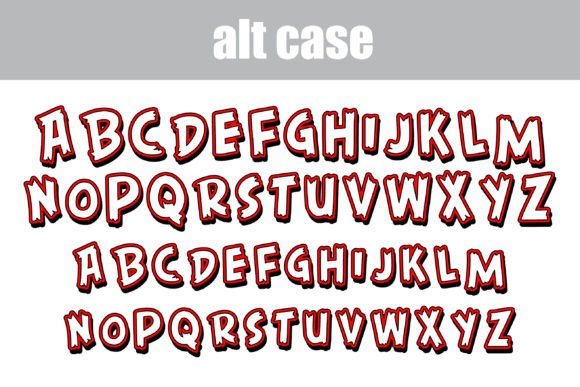
Angry Slingshots Font is a one-of-a-kind, full-color font that boasts a wooden-like 3D lettering style with an aggressive color scheme. The font comes with an alternative case that offers additional colors, which can be accessed through your system or Silhouette’s glyph map. This font is perfect for creating striking titles, displays, posters, and more.
Key Features of Angry Slingshots Font
- Full-color font: Angry Slingshots Font is a full-color font that features a unique wooden-like 3D lettering style.
- Angry color palette: The font boasts an aggressive color scheme that’s sure to grab attention.
- Alternative case: The font comes with an alternative case that offers additional colors, which can be accessed through your system or Silhouette’s glyph map.
- Compatible with Silhouette Studio: Angry Slingshots Font is compatible with Silhouette Studio, making it a great choice for crafters and designers who use this software.
How to Install Angry Slingshots Font
Installing Angry Slingshots Font is a straightforward process. Since it’s an OpenType full-color (SVG) font, it can be installed like any normal .otf font. Here’s how:
- Mac users: Install the font via FontBook.
- Windows users: Install the font via your preferred font manager or Control Panel.
Compatibility with Design Software
Angry Slingshots Font is compatible with a range of design software, including:
- Adobe products: Adobe software, such as Photoshop and Illustrator, supports full-color SVG fonts.
- Silhouette Studio: As mentioned earlier, Angry Slingshots Font is compatible with Silhouette Studio.
- Quark: Quark design software also supports full-color SVG fonts.
- Inkscape: Inkscape, a popular vector graphics editor, supports full-color SVG fonts.
Important Note on Color Font Compatibility
While Angry Slingshots Font is compatible with a range of design software, it’s essential to note that color fonts may not display correctly in non-compatible programs. In such cases, the font may appear as black. Additionally, when previewing the font in programs that support color fonts, it may still appear as black in the preview window. You’ll know if your program supports color fonts when you see the font in color in your document.
Tips for Using Angry Slingshots Font
Here are some tips for making the most of Angry Slingshots Font:
- Use it for titles and displays: The font’s bold, 3D lettering style makes it perfect for creating eye-catching titles and displays.
- Experiment with colors: With its alternative case offering additional colors, feel free to experiment with different color combinations to create unique effects.
- Pair it with complementary fonts: Pair Angry Slingshots Font with complementary fonts to create visually appealing contrast.
Angry Slingshots Font: Access Download Now
| Font Name | Angry Slingshots Font |
| Author | Illustration Ink |
| Download | Access Download Here |
Conclusion
Angry Slingshots Font is an exciting, full-color font that offers a unique wooden-like 3D lettering style with an aggressive color scheme. Its compatibility with a range of design software, including Silhouette Studio, makes it an excellent choice for designers and crafters. By following the installation instructions and tips outlined in this article, you’ll be able to make the most of this amazing font and take your designs to the next level.