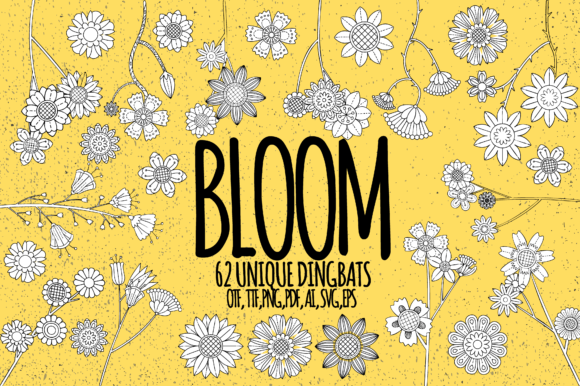
Bloom Font Free Download – Windows, Mac, Linux
Bloom Font: The Ultimate Dingbats Font for Floral and Botanical Designs
Are you a designer, crafter, or DIY enthusiast looking for a unique and versatile font to elevate your floral and botanical designs? Look no further than Bloom Font, a delicate and useful dingbats font that makes it easy to create stunning line art doodles. In this article, we’ll explore the features and benefits of Bloom Font, and show you how to make the most of this amazing resource.
📸 Font Preview Gallery
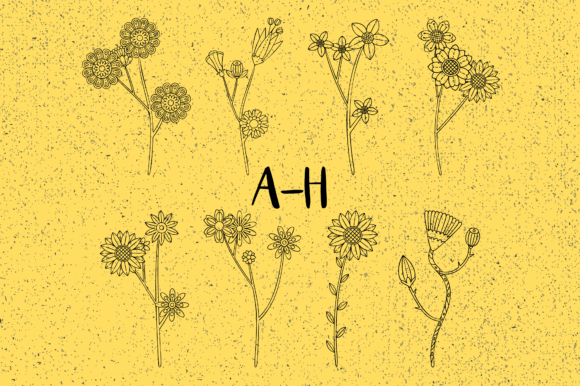
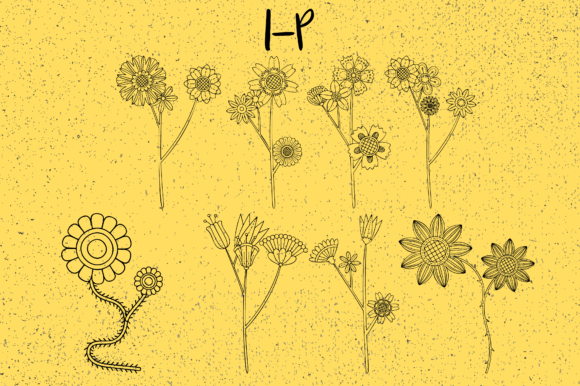
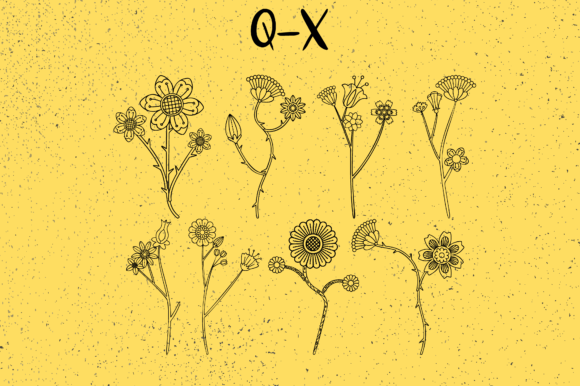
Commercial license included • Instant download • No registration required
What is Bloom Font?
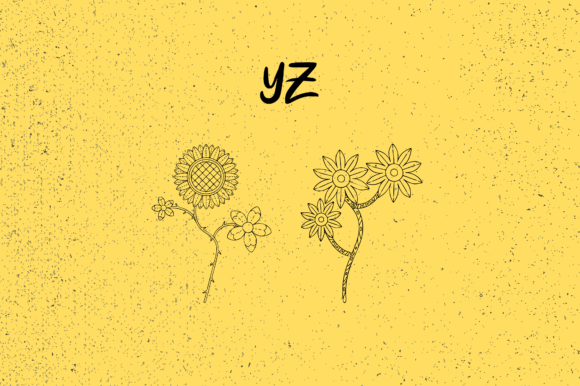
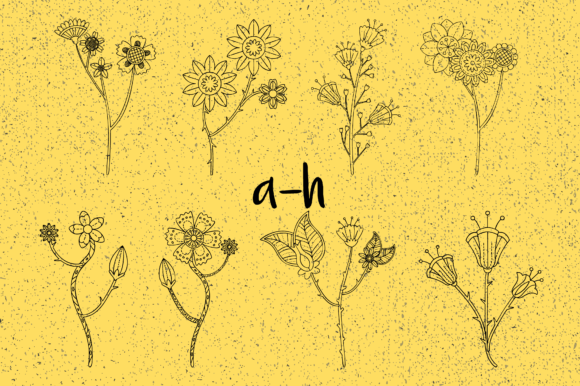
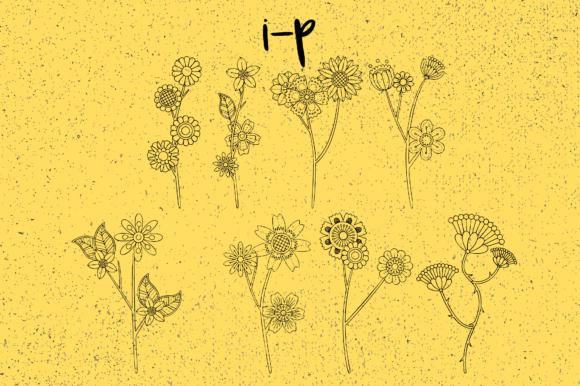
Bloom Font is a specially designed dingbats font that allows you to generate up to 62 floral and botanical line art doodles with ease. By simply typing capital and small letters as well as numbers, you can create a wide range of beautiful designs, from simple flowers and leaves to more complex arrangements and borders.
Key Features of Bloom Font
- Effortless Design**: With Bloom Font, you can create intricate floral and botanical designs without needing to have extensive design experience. Simply type the characters, and the font does the rest.
- Versatile**: Bloom Font comes with 62 unique designs, giving you plenty of options to choose from and mix-and-match to create your own unique look.
- Scalable**: The font is designed to be scalable, so you can use it for a wide range of projects, from small crafts to large-scale designs.
- Easily Editable**: As a digital font, Bloom Font is easily editable, allowing you to customize your designs to suit your needs.
Who Can Benefit from Bloom Font?
Bloom Font is perfect for a wide range of designers, crafters, and DIY enthusiasts, including:
- Graphic Designers**: Add a touch of elegance and sophistication to your designs with Bloom Font’s beautiful floral and botanical illustrations.
- Crafters**: Use Bloom Font to create custom designs for scrapbooking, card making, and other paper crafts.
- DIY Enthusiasts**: Create your own unique home decor, gift tags, and other DIY projects with Bloom Font’s versatile designs.
- Stationery Designers**: Use Bloom Font to create beautiful stationery, journals, and planners.
How to Use Bloom Font
Using Bloom Font is easy. Simply install the font on your computer, and you’re ready to start creating. Here are a few tips to get you started:
- Experiment with Different Characters**: Try typing different capital and small letters, as well as numbers, to see the various designs that Bloom Font has to offer.
- Combine Designs**: Mix-and-match different designs to create unique and complex arrangements.
- Adjust Size and Color**: Experiment with different sizes and colors to add depth and interest to your designs.
Tips and Inspiration
To get the most out of Bloom Font, here are a few tips and inspiration ideas:
- Use Bloom Font for Borders and Frames**: Create beautiful borders and frames for your designs using Bloom Font’s intricate floral and botanical illustrations.
- Create Custom Illustrations**: Use Bloom Font to create custom illustrations for your designs, such as flowers, leaves, and other botanical elements.
- Mix-and-Match with Other Fonts**: Combine Bloom Font with other fonts to create unique and visually interesting designs.
Bloom Font: Access Download Now
| Font Name | Bloom Font |
| Author | Minimalistartstudio |
| Download | Access Download Here |
Conclusion
Bloom Font is a versatile and beautiful dingbats font that makes it easy to create stunning floral and botanical designs. With its ease of use, scalability, and customizability, Bloom Font is perfect for designers, crafters, and DIY enthusiasts of all levels. Whether you’re looking to add a touch of elegance to your designs or create unique and intricate illustrations, Bloom Font is the perfect resource for you.