
Bobalicious Font Free Download – Windows, Mac, Linux
Bobalicious Font: Add a Pop of Color to Your Designs with Fun Boba Drinks
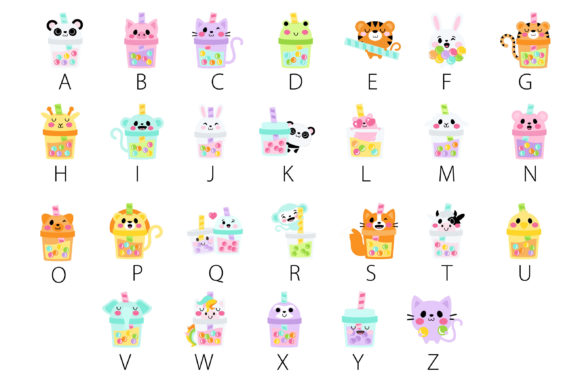
Are you looking for a unique and playful font to spice up your designs? Look no further than the Bobalicious Font, a full-color dingbat font featuring fun and delicious boba drinks. This exciting font is perfect for designers, crafters, and anyone who loves boba tea. In this article, we’ll dive into the details of the Bobalicious Font, its features, and how to use it in your designs.
📸 Font Preview Gallery
Commercial license included • Instant download • No registration required
What is Bobalicious Font?
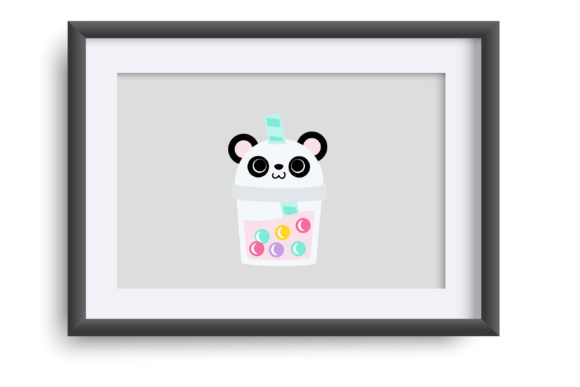
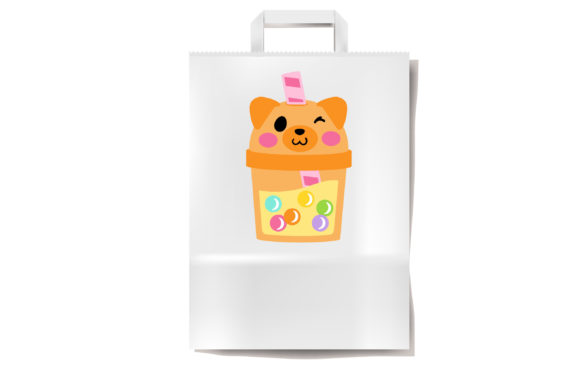
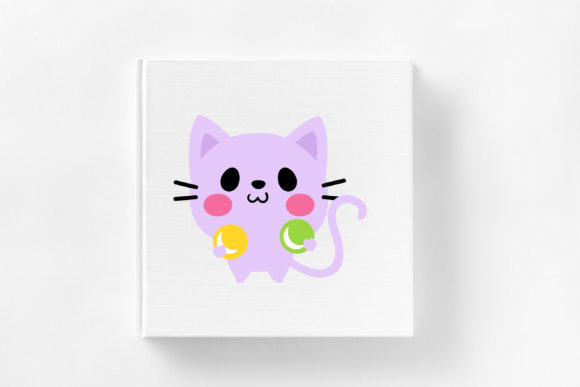
The Bobalicious Font is an OpenType full-color (SVG) font that features a collection of colorful boba drinks. This font is not your typical text font, but rather a dingbat font that allows you to add fun and colorful graphics to your designs. With the Bobalicious Font, you can create eye-catching designs that are sure to stand out.
How to Install Bobalicious Font
Installing the Bobalicious Font is easy and straightforward. The font can be installed like any normal .otf font. For Mac users, this usually happens via FontBook, while Windows users can use their preferred font manager or Control Panel. Simply download the font, and follow the installation instructions for your operating system.
Using Bobalicious Font in Your Designs
Once you’ve installed the Bobalicious Font, you can start using it in your designs. However, it’s essential to note that color fonts will show as black in non-compatible programs. So, how do you know if your program supports color fonts? The easiest way is to type on the document and see if the font appears in color. If it does, you’re good to go!
Programs that Support Bobalicious Font
Several popular design programs support full-color SVG fonts like the Bobalicious Font. These include:
- Adobe products (e.g., Illustrator, Photoshop)
- Silhouette Studio
- Quark
- Inkscape
If you’re using one of these programs, you can enjoy the full-color benefits of the Bobalicious Font.
Limitations: Cricut Compatibility
Unfortunately, the OTF and/or TTF files of the Bobalicious Font are not compatible with Cricut. If you’re a Cricut user, you may want to consider alternative fonts or design solutions.
Tips for Using Bobalicious Font
Here are some tips for getting the most out of the Bobalicious Font:
- Experiment with different colors and design combinations to create unique and eye-catching designs.
- Use the Bobalicious Font to add a playful touch to your designs, such as in party invitations, social media graphics, or branding materials.
- Combine the Bobalicious Font with other fonts and design elements to create a cohesive and stylish look.
Bobalicious Font: Access Download Now
| Font Name | Bobalicious Font |
| Author | Illustration Ink |
| Download | Access Download Here |
Conclusion
The Bobalicious Font is a fun and exciting way to add color and personality to your designs. With its easy installation and compatibility with popular design programs, you can start using this font right away. Whether you’re a designer, crafter, or simply a boba tea enthusiast, the Bobalicious Font is sure to bring a smile to your face and a pop of color to your designs.
So, what are you waiting for? Download the Bobalicious Font today and start creating your own bobalicious designs!