
Brave Beads Font Free Download – Windows, Mac, Linux
Brave Beads Font: A Colorful and Fun Addition to Your Design Arsenal
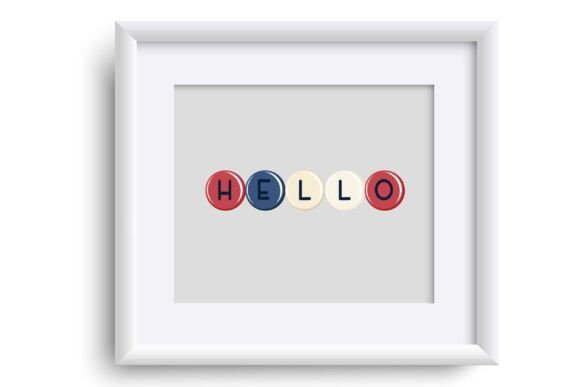
Are you tired of using the same old fonts in your designs? Look no further than the Brave Beads Font, a full-color font that features rounded, bead-like lettering in American colors. This unique font is perfect for designers and crafters who want to add a touch of personality to their work. In this article, we’ll take a closer look at the Brave Beads Font, its features, and how to use it in your designs.
📸 Font Preview Gallery
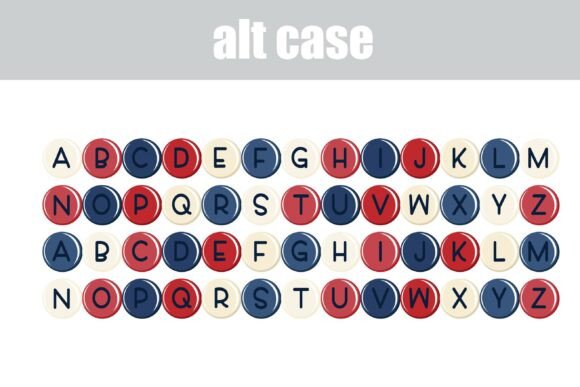
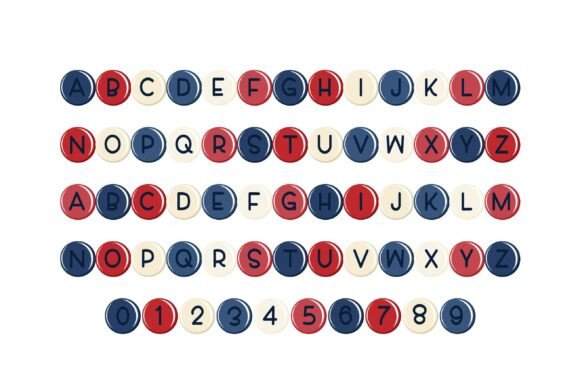
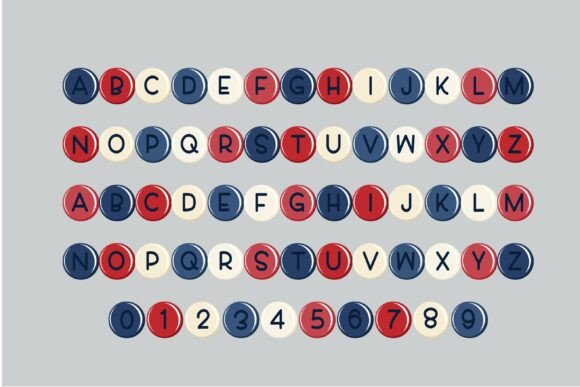
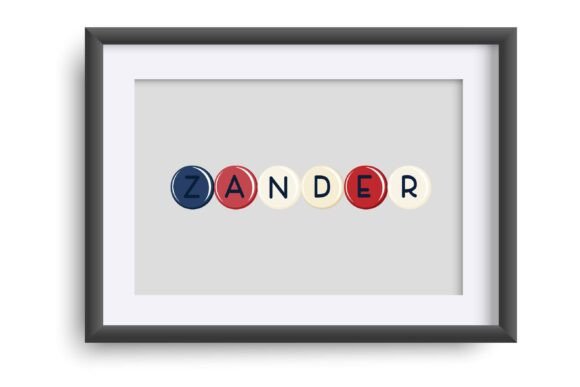
Commercial license included • Instant download • No registration required
What is Brave Beads Font?
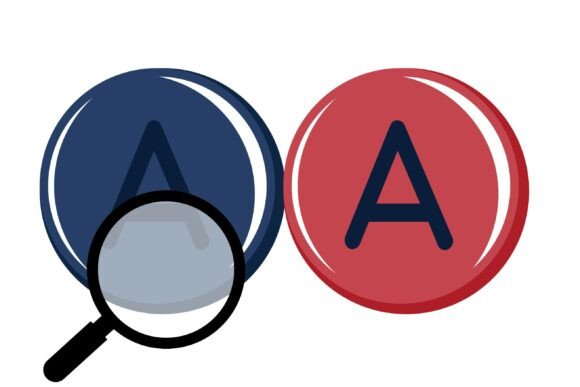
The Brave Beads Font is a full-color font that features rounded, bead-like lettering in American colors. The font includes an alt case of alternate colorings of each letter, which can be accessed through your system or Silhouette’s glyph map. This means that you can easily switch between different colors and styles to create a unique look.
How to Install Brave Beads Font
Installing the Brave Beads Font is easy. OpenType full-color (SVG) fonts are installed like any normal .otf font. For Mac users, this usually happens via FontBook, while Windows users can use their preferred font manager or Control Panel. Simply download the font, install it on your computer, and you’re ready to start using it in your designs.
Compatibility and Limitations
While the Brave Beads Font is a powerful tool, it’s not compatible with all programs. Color fonts will show as black in non-compatible programs, so it’s essential to check if your program supports full-color SVG fonts. Some popular programs that support color fonts include Adobe products, Silhouette Studio, Quark, and Inkscape. If you’re unsure whether your program is compatible, try typing on a document and see if the font appears in color.
Using Brave Beads Font in Your Designs
The Brave Beads Font is perfect for adding a touch of personality to your designs. With a full range of colors and styles to choose from, you can create anything from simple text logos to complex designs. Here are a few ideas to get you started:
- Create a fun and colorful logo for your business or brand.
- Add a personalized touch to your craft projects, such as scrapbooking or card making.
- Use the font to create eye-catching social media graphics or blog posts.
- Design a unique and colorful t-shirt or other apparel.
Tips and Tricks
Here are a few tips and tricks to help you get the most out of the Brave Beads Font:
- Experiment with different colors and styles to create a unique look.
- Use the font in combination with other fonts or design elements to create a complex design.
- Take advantage of the alt case feature to add extra detail to your designs.
- Don’t be afraid to get creative and try new things!
Brave Beads Font: Access Download Now
| Font Name | Brave Beads Font |
| Author | Illustration Ink |
| Download | Access Download Here |
Conclusion
The Brave Beads Font is a fun and colorful addition to any design arsenal. With its unique bead-like lettering and full range of colors and styles, it’s perfect for designers and crafters who want to add a touch of personality to their work. Whether you’re creating a simple text logo or a complex design, the Brave Beads Font is sure to inspire. So why not give it a try and see what you can create?
Where to Buy and Download Brave Beads Font
The Brave Beads Font is available for download from various font retailers and online marketplaces. Simply search for “Brave Beads Font” and follow the links to purchase and download the font. Once you’ve downloaded the font, follow the installation instructions above to get started.
FAQs
- What file type is the Brave Beads Font?
- The Brave Beads Font is an OpenType full-color (SVG) font.
- How do I install the Brave Beads Font?
- The font can be installed like any normal .otf font via FontBook for Mac users or via your preferred font manager or Control Panel in Windows.
- What programs are compatible with the Brave Beads Font?
- Programs that support full-color SVG fonts, such as Adobe products, Silhouette Studio, Quark, and Inkscape, are compatible with the Brave Beads Font.