
Candy Stick X-mas Font Free Download – Windows, Mac, Linux
Candy Stick X-mas Font: A Festive and Fun Addition to Your Holiday Designs
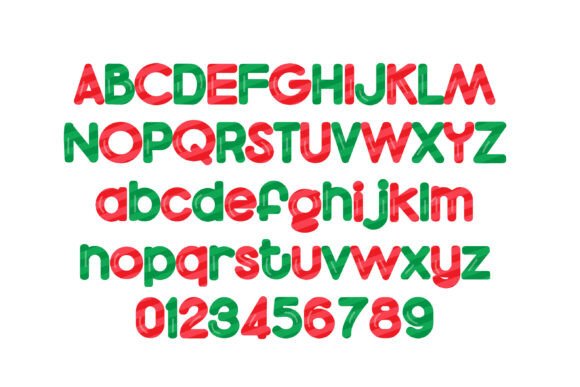
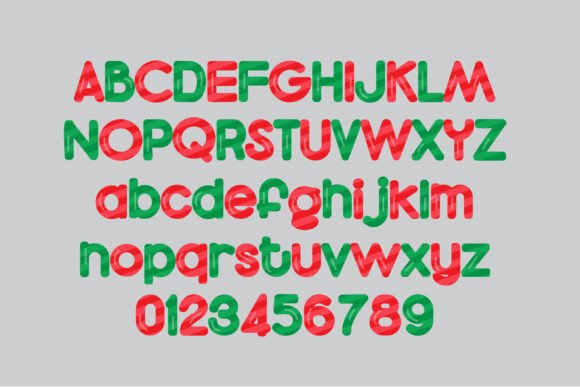
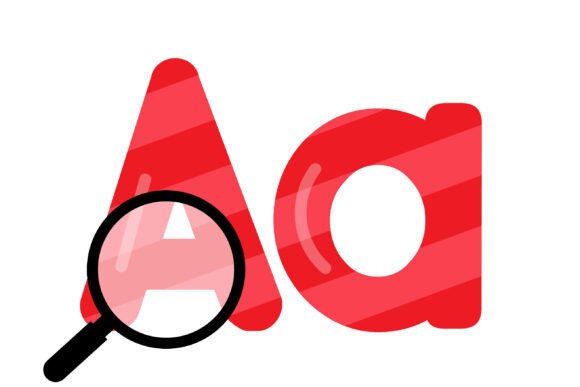
Are you looking for a unique and eye-catching font to add some holiday cheer to your designs? Look no further than the Candy Stick X-mas Font! This full-color font features candy cane striped lettering in red and green, perfect for creating festive titles, displays, posters, and more.
📸 Font Preview Gallery
Commercial license included • Instant download • No registration required
A Font that’s as Sweet as Candy Canes
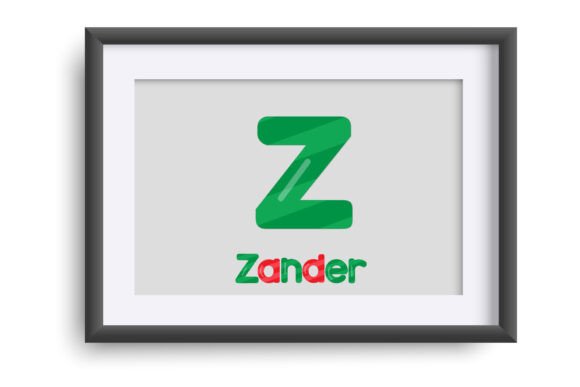
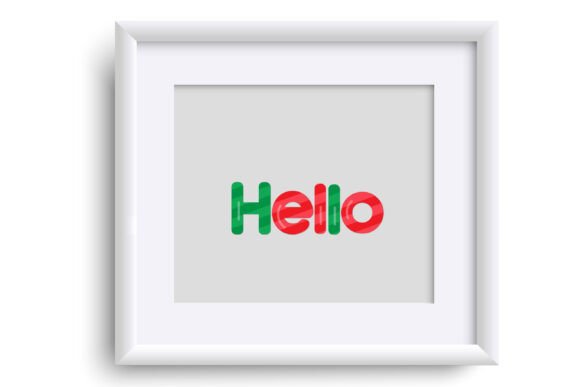
The Candy Stick X-mas Font is a fun and playful font that’s sure to add some holiday magic to your designs. The font features candy cane striped lettering in red and green, creating a festive and eye-catching effect. The font is perfect for designers and crafters who want to add a touch of holiday cheer to their projects.
Additional Color Options
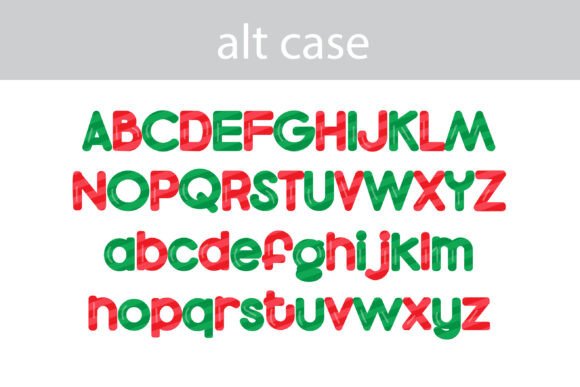
But that’s not all! The Candy Stick X-mas Font also comes with an alternate version that can be accessed through your system’s character map. This alternate version contains additional colors for all the letters, giving you even more creative options. Whether you want to match your brand’s colors or create a unique and personalized design, this font has got you covered.
Compatibility and Installation
The Candy Stick X-mas Font is compatible with a range of programs, including Silhouette Studio, Adobe products, Quark, and Inkscape. Installation is easy and straightforward – simply install the font like any normal .otf font. On Mac, this can be done via FontBook, while on Windows, you can use your preferred font manager or Control Panel.
What to Keep in Mind
It’s worth noting that color fonts may not display correctly in all programs. In non-compatible programs, the font may show as black. Additionally, when choosing the font in the preview window, it may also show as black. However, if your program supports color fonts, you should see the colors when you type on the document.
Programs that Support Full-Color SVG Fonts
So, which programs support full-color SVG fonts? Some of the programs that currently support this font type include:
- Adobe products
- Silhouette Studio
- Quark
- Inkscape
Keep in mind that this list is not exhaustive, and more programs may support full-color SVG fonts in the future.
Tips for Using the Candy Stick X-mas Font
Here are a few tips for using the Candy Stick X-mas Font:
- Use it for titles and headings to add a pop of color and create a festive effect.
- Experiment with different colors and combinations to create a unique look.
- Pair it with other fonts to create a fun and playful design.
- Use it for crafting projects, such as making holiday cards, gift tags, and decorations.
Candy Stick X-mas Font: Access Download Now
| Font Name | Candy Stick X-mas Font |
| Author | Illustration Ink |
| Download | Access Download Here |
Conclusion
The Candy Stick X-mas Font is a fun and festive addition to any designer’s toolkit. With its candy cane striped lettering and additional color options, it’s perfect for creating holiday-themed designs that are sure to impress. Whether you’re a designer, crafter, or DIY enthusiast, this font is a great way to add some holiday cheer to your projects. So why not give it a try and see what creative possibilities you can come up with?