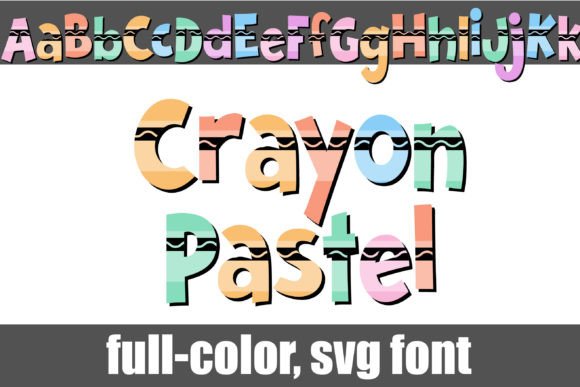
Crayon Pastel Font Free Download – Windows, Mac, Linux
Crayon Pastel Font: A Vibrant Design Inspired by Childhood Creativity
Are you a designer or crafter looking for a unique and playful font to add a pop of color to your projects? Look no further than the Crayon Pastel Font, a full-color font that brings the nostalgic feel of crayons to your digital creations. In this article, we’ll dive into the features and benefits of this exciting font, as well as provide guidance on how to install and use it.
📸 Font Preview Gallery
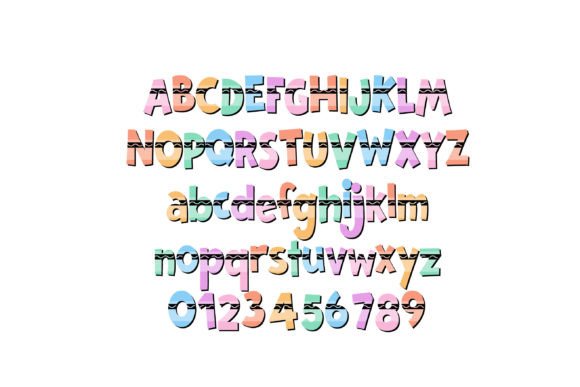
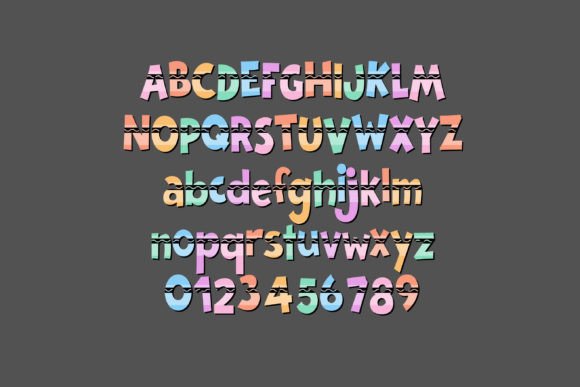
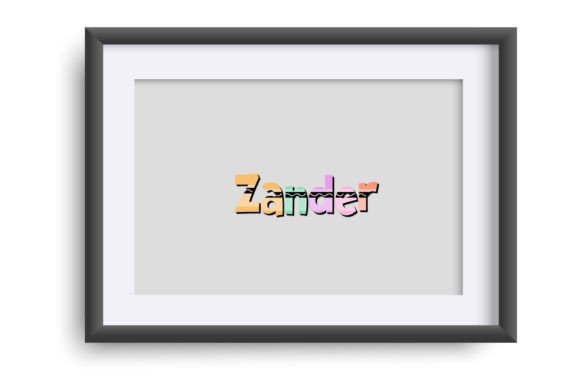
Commercial license included • Instant download • No registration required
A Design Inspired by Childhood Creativity
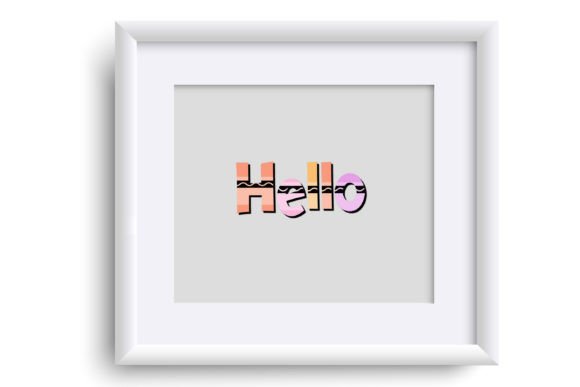
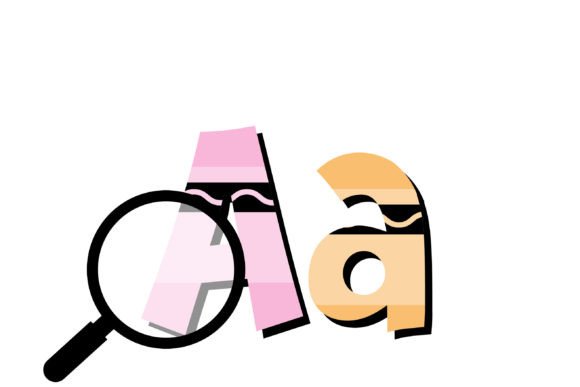
The Crayon Pastel Font is a one-of-a-kind design that captures the whimsy and imagination of childhood creativity. Inspired by the vibrant colors and playful textures of crayons, this font is perfect for designers and crafters who want to add a touch of nostalgia and fun to their projects. Whether you’re creating digital art, crafting invitations, or designing social media graphics, this font is sure to delight.
Full-Color Font with Additional Color Options
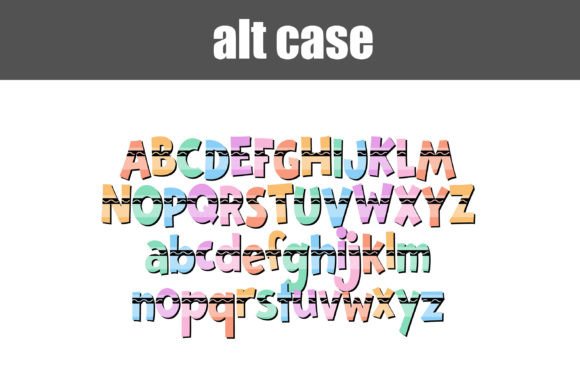
One of the standout features of the Crayon Pastel Font is its full-color design, which allows for a wide range of colors to be displayed in a single font. But that’s not all – this font also comes with an alt version that contains additional colors for all the letters, accessible through your system’s character map. This means you can mix and match different colors to create unique and eye-catching text effects.
Installing OpenType Full-Color (SVG) Fonts
Installing the Crayon Pastel Font is a straightforward process, similar to installing any other .otf font. For Mac users, this typically involves using FontBook, while Windows users can use their preferred font manager or Control Panel. Once installed, you can access the font in your design software and start creating with it right away.
Compatibility and Color Font Support
While the Crayon Pastel Font is a powerful design tool, it’s essential to note that color fonts may not display correctly in all programs. Non-compatible programs will show the font as black, and some programs may even display it as black in the preview window. However, if your program supports full-color SVG fonts, you’ll see the vibrant colors come to life as you type. Some popular programs that support color fonts include Adobe products, Silhouette Studio, Quark, and Inkscape.
Tips for Using the Crayon Pastel Font
To get the most out of the Crayon Pastel Font, here are a few tips to keep in mind:
- Experiment with different colors and combinations to create unique text effects.
- Use the font to add a playful touch to your digital art, crafts, and designs.
- Pair the font with other playful fonts or graphics to create a cohesive look.
- Take advantage of the alt version’s additional colors to add more variety to your designs.
Crayon Pastel Font: Access Download Now
| Font Name | Crayon Pastel Font |
| Author | Illustration Ink |
| Download | Access Download Here |
Conclusion
The Crayon Pastel Font is a game-changer for designers and crafters looking to add a splash of color and creativity to their projects. With its unique design inspired by crayons, full-color capabilities, and additional color options, this font is sure to delight. By following the installation and usage guidelines outlined above, you can unlock the full potential of this exciting font and take your designs to the next level.
Get Ready to Unleash Your Creativity!
Whether you’re a seasoned designer or a crafter just starting out, the Crayon Pastel Font is an excellent addition to your design toolkit. So why wait? Download the font, install it on your system, and get ready to unleash your creativity with this vibrant and playful design tool.