
Crayon Wrapper Font Free Download – Windows, Mac, Linux
Crayon Wrapper Font: A Colorful Design Inspiration for Designers and Crafters
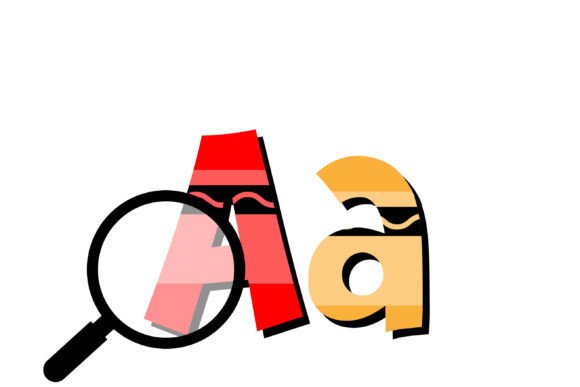
Are you a designer or crafter looking for a unique and vibrant font to add a pop of color to your projects? Look no further than the Crayon Wrapper Font! This full-color font is inspired by the classic crayon wrappers we all know and love, and is sure to bring a fun and playful touch to your designs.
📸 Font Preview Gallery
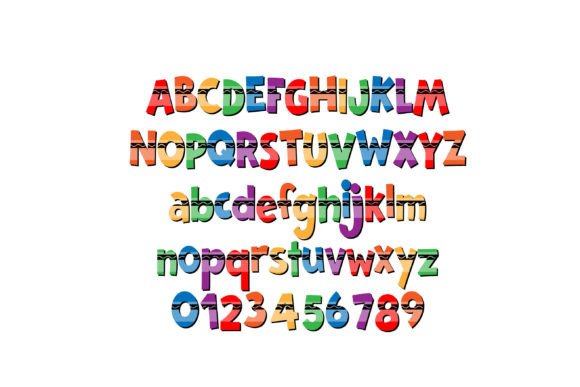
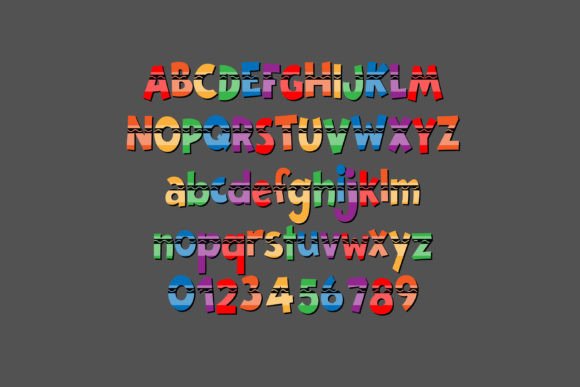
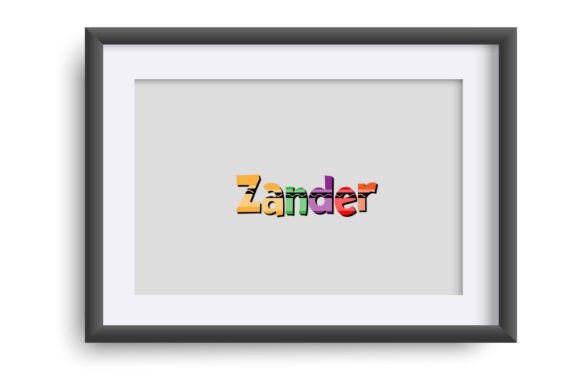
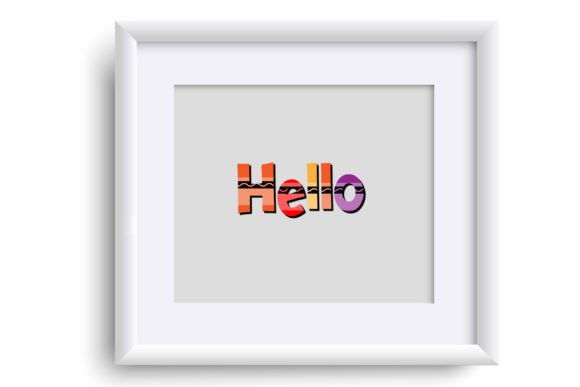
Commercial license included • Instant download • No registration required
What is the Crayon Wrapper Font?
The Crayon Wrapper Font is a specially designed font that features a colorful and whimsical design inspired by crayon wrappers. The font is available as an OpenType full-color (SVG) font, which means it can be installed and used just like any other font on your computer.
Key Features of the Crayon Wrapper Font
- Full-color design: The Crayon Wrapper Font features a vibrant and colorful design that’s sure to add a pop of color to your projects.
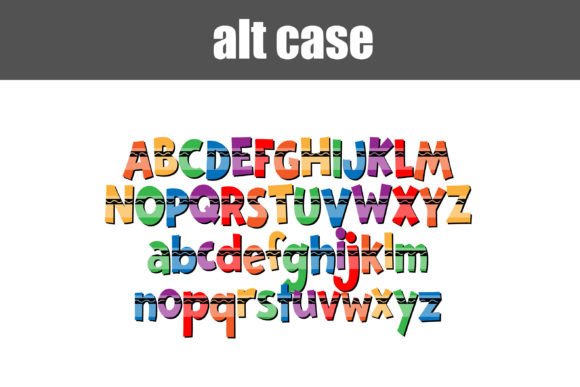
- Alt version with additional colors: The font also comes with an alt version that contains additional colors for all the letters, accessible through your system’s character map.
- OpenType full-color (SVG) font: The font is installed like any normal .otf font, making it easy to use and integrate into your design workflow.
How to Install and Use the Crayon Wrapper Font
Installing the Crayon Wrapper Font is easy! The process varies depending on your operating system, but here are the general steps:
Mac Users:
- Download the font file and open FontBook.
- Click on the “+” button at the bottom of the FontBook window and select the font file.
- The font will be installed and available for use in your design applications.
Windows Users:
- Download the font file and open the Control Panel.
- Click on “Fonts” and then click on “File” > “Install new font”.
- Select the font file and follow the prompts to install.
Compatibility and Color Font Support
Not all design programs support color fonts, so it’s essential to check compatibility before using the Crayon Wrapper Font. Here are some popular design programs that support full-color SVG fonts:
- Adobe products (e.g. Illustrator, Photoshop)
- Silhouette Studio
- Quark
- Inkscape
If you’re using a program that supports color fonts, you’ll know it’s working correctly when you see the font in color when typing on a document. If the font shows as black, it may indicate that your program doesn’t support color fonts.
Tips and Tricks for Using the Crayon Wrapper Font
Here are some tips and tricks for getting the most out of the Crayon Wrapper Font:
- Experiment with different colors: The Crayon Wrapper Font comes with a range of colors, so don’t be afraid to try out different combinations and see what works best for your design.
- Use it for craft projects: The font is perfect for craft projects, such as making custom signs, cards, and gift tags.
- Pair it with other fonts: Try pairing the Crayon Wrapper Font with other fonts to create a unique and eye-catching design.
Crayon Wrapper Font: Access Download Now
| Font Name | Crayon Wrapper Font |
| Author | Illustration Ink |
| Download | Access Download Here |
Conclusion
The Crayon Wrapper Font is a fun and vibrant font that’s perfect for designers and crafters looking to add a pop of color to their projects. With its full-color design, alt version with additional colors, and compatibility with popular design programs, it’s an excellent choice for anyone looking to create eye-catching and engaging designs.
So why not give the Crayon Wrapper Font a try? Download it today and start adding a splash of color to your designs!