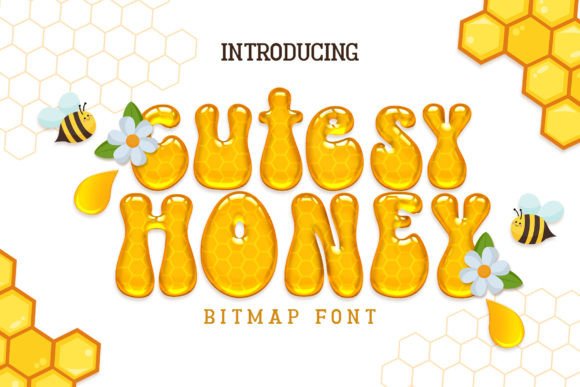
Cutesy Honey Font Free Download – Windows, Mac, Linux
Cutesy Honey Font: The Sweetest Addition to Your Design Collection
Are you on the hunt for a font that’s as sweet as it is versatile? Look no further than Cutesy Honey, a meticulously designed color font that’s sure to make your designs stand out. With its fresh, fun, and authentic feel, this adorable font is perfect for a wide range of creative projects, from gorgeous invitations and beautiful stationary art to eye-catching social media posts and cute greeting cards.
📸 Font Preview Gallery
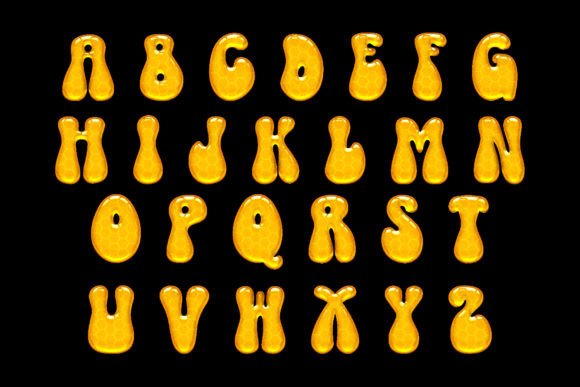
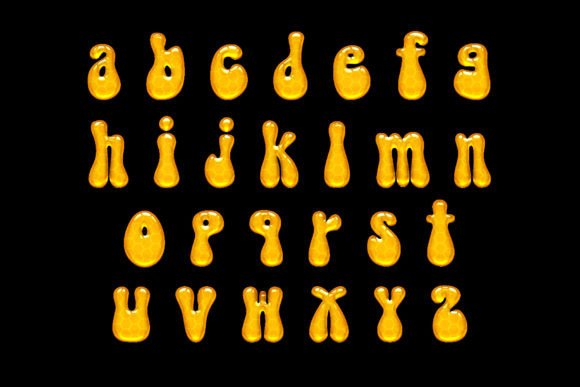
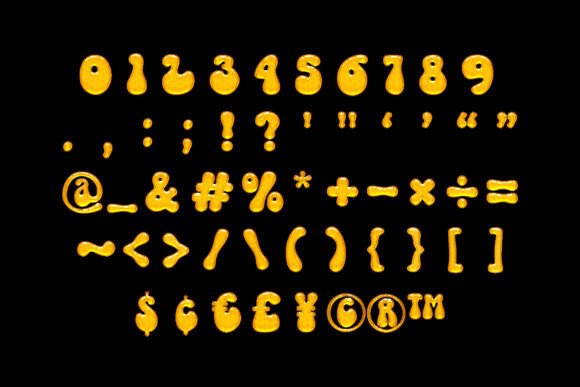

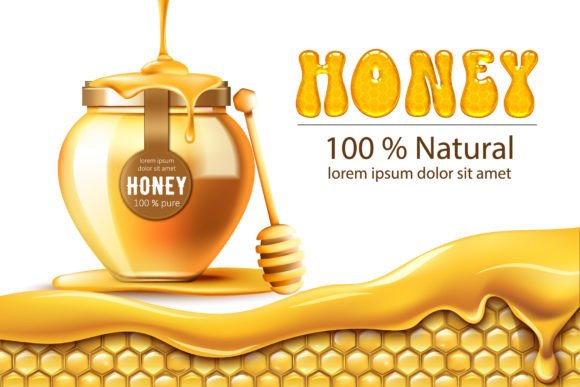
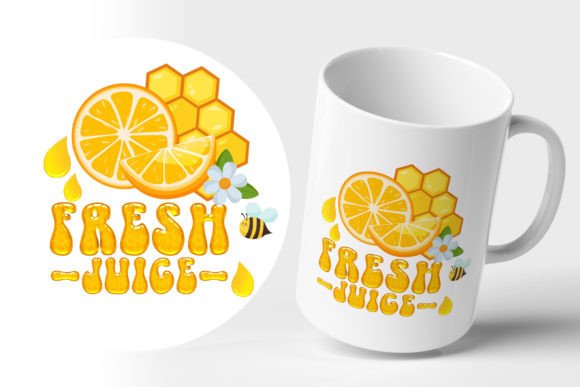
Commercial license included • Instant download • No registration required
What Makes Cutesy Honey So Special?
Cutesy Honey is more than just a font – it’s an experience. Its unique, hand-crafted design makes it perfect for adding a touch of whimsy and personality to any project. Whether you’re a designer, crafter, or simply someone who loves to get creative, this font is sure to inspire you to create something truly special.
Endless Possibilities with Cutesy Honey
So, what can you create with Cutesy Honey? The possibilities are endless! Here are just a few ideas to get you started:
- Invitations: Create beautiful, one-of-a-kind invitations for weddings, birthdays, and other special occasions.
- Stationary Art: Design gorgeous stationary art, including greeting cards, postcards, and more.
- Social Media Posts: Make your social media posts stand out with Cutesy Honey’s fun and playful design.
- Greeting Cards: Create cute and personalized greeting cards for any occasion.
Tips for Using Cutesy Honey
Now that you have Cutesy Honey, it’s time to get creative! Here are a few tips to help you get the most out of this amazing font:
- Experiment with Colors: Don’t be afraid to try out different colors and combinations to find the perfect look for your project.
- Play with Sizes: Cutesy Honey looks great in a variety of sizes, so don’t be afraid to experiment with different font sizes to add emphasis and visual interest.
- Mix and Match: Combine Cutesy Honey with other fonts and design elements to create a truly unique look.
Technical Tips: Changing Font Color in Photoshop and Illustrator
If you’re new to using color fonts or want to learn more about how to customize Cutesy Honey, here are some technical tips to get you started:
Photoshop:
- Right-click on the layer and select Rasterize Type.
- Press Ctrl+U and click on Colorize.
- Adjust the color as desired.
Illustrator:
- Select the font you want to change color.
- Select Object > Rasterize.
- Set Resolution to High (300 dpi) and select Transparent.
- Click OK.
- Select Edit > Edit Colors > Adjust Colors.
- Preview the color change and adjust as desired.
Get Ready to Fall in Love with Cutesy Honey
Cutesy Honey is more than just a font – it’s a way to add a touch of sweetness and personality to your designs. With its fresh, fun, and authentic feel, this adorable font is sure to become a favorite in your design collection. So why wait? Download Cutesy Honey today and start creating gorgeous, one-of-a-kind designs that are sure to impress!
Cutesy Honey Font: Access Download Now
| Font Name | Cutesy Honey Font |
| Author | Unknown |
| Download | Access Download Here |