
Dad Days Font Free Download – Windows, Mac, Linux
Introducing Dad Days Font: A Retro-Style Masterpiece for Designers and Crafters
Are you on the hunt for a font that exudes a masculine, retro vibe? Look no further than Dad Days Font! This stunning full-color font is perfect for designers and crafters seeking to add a touch of nostalgia to their projects. In this article, we’ll dive into the features, benefits, and uses of Dad Days Font, as well as provide valuable insights on how to get the most out of this incredible font.
📸 Font Preview Gallery
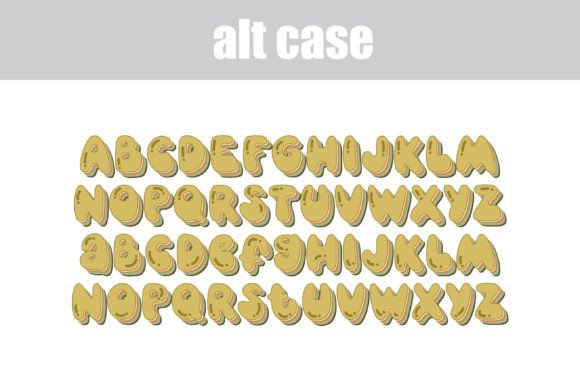
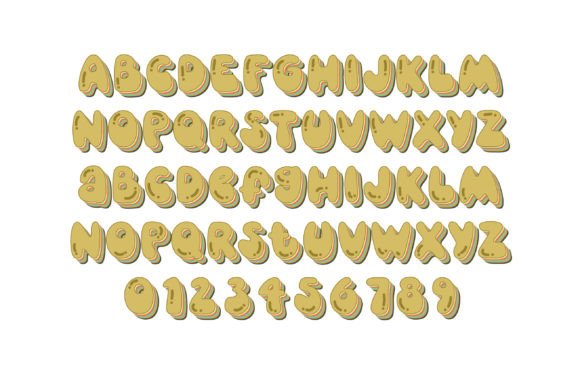
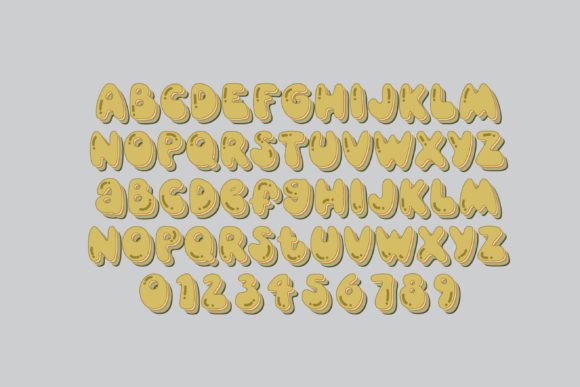
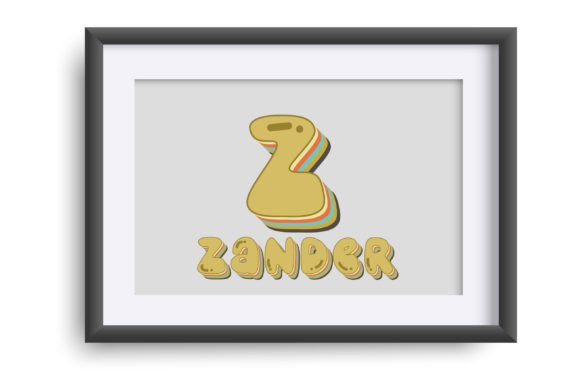
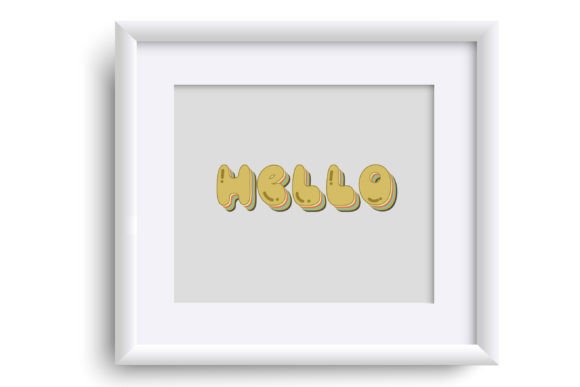
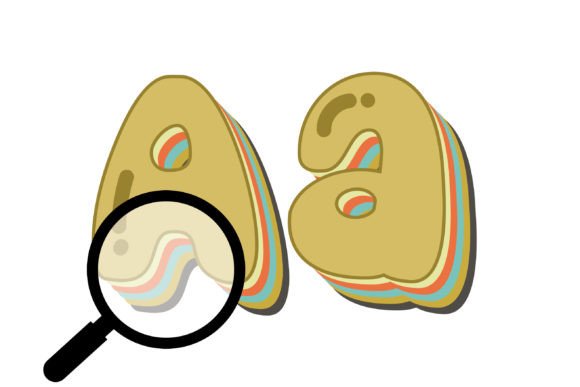
Commercial license included • Instant download • No registration required
What is Dad Days Font?
Dad Days Font is a retro-style font that boasts a masculine color palette, making it an ideal choice for titles, displays, posters, and more. This font features a unique, eye-catching design that’s sure to grab attention. But what really sets it apart is its full-color capability, which allows you to add an extra layer of depth and visual interest to your projects.
Key Features of Dad Days Font
- Retro-style design: Dad Days Font features a classic, retro aesthetic that’s perfect for designers and crafters looking to add a touch of nostalgia to their projects.
- Masculine color palette: The font’s color scheme is bold, masculine, and eye-catching, making it perfect for a wide range of applications.
- Full-color capability: Dad Days Font is a full-color font, which means you can enjoy stunning, vibrant colors in your projects.
- Alt case and additional colors: The font includes an alt case with additional colors that can be accessed through your system or Silhouette’s glyph map.
- Compatible with Silhouette Studio: Dad Days Font is fully compatible with Silhouette Studio, making it easy to use for crafters and designers.
How to Use Dad Days Font
Using Dad Days Font is relatively straightforward. Here are the steps to get started:
- Install the font: To install the font, simply follow the standard procedure for installing .otf fonts on your Mac or Windows computer. For Mac users, this typically involves using FontBook, while Windows users can use their preferred font manager or Control Panel.
- Access the font in your design software: Once the font is installed, you can access it in your design software, such as Silhouette Studio, Adobe products, Quark, or Inkscape.
- Type in color: When you type with Dad Days Font, you should see the font in color, provided your software supports full-color SVG fonts.
Software Compatibility
Not all design software supports full-color SVG fonts, so it’s essential to check compatibility before using Dad Days Font. Here are some popular software programs that support full-color SVG fonts:
- Adobe products: Adobe software, such as Illustrator and Photoshop, supports full-color SVG fonts.
- Silhouette Studio: Silhouette Studio is fully compatible with Dad Days Font, making it easy to use for crafters and designers.
- Quark: Quark design software supports full-color SVG fonts, including Dad Days Font.
- Inkscape: Inkscape, a popular free design software, also supports full-color SVG fonts.
Tips and Tricks
To get the most out of Dad Days Font, here are some valuable tips and tricks:
- Experiment with different colors: Don’t be afraid to try out different color combinations to find the perfect look for your project.
- Use the alt case and additional colors: Take advantage of the alt case and additional colors to add extra visual interest to your projects.
- Pair with other fonts: Consider pairing Dad Days Font with other fonts to create a unique and eye-catching design.
Dad Days Font: Access Download Now
| Font Name | Dad Days Font |
| Author | Illustration Ink |
| Download | Access Download Here |
Conclusion
Dad Days Font is an exceptional full-color font that’s perfect for designers and crafters seeking to add a touch of nostalgia to their projects. With its retro-style design, masculine color palette, and full-color capability, this font is sure to impress. By following the tips and guidelines outlined in this article, you can unlock the full potential of Dad Days Font and take your designs to the next level.