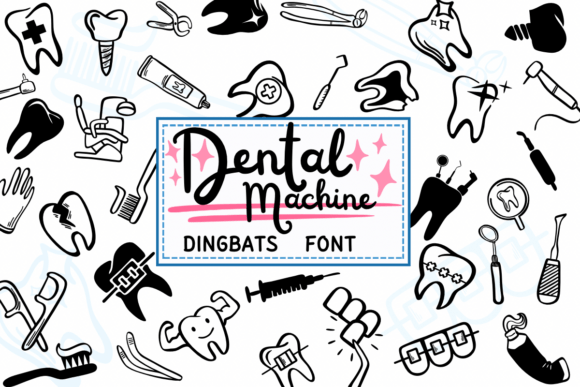
Dental Machine Font Free Download – Windows, Mac, Linux
Dental Machine Font: A Cool and Unique Dingbats Font for Creative Projects
Are you a designer or crafter looking for a unique and cool font to add to your creative projects? Look no further than the Dental Machine font! This dingbats font is perfect for those who want to add a touch of edginess and personality to their designs. In this article, we’ll take a closer look at the Dental Machine font, its features, and how you can use it to take your creative projects to the next level.
📸 Font Preview Gallery
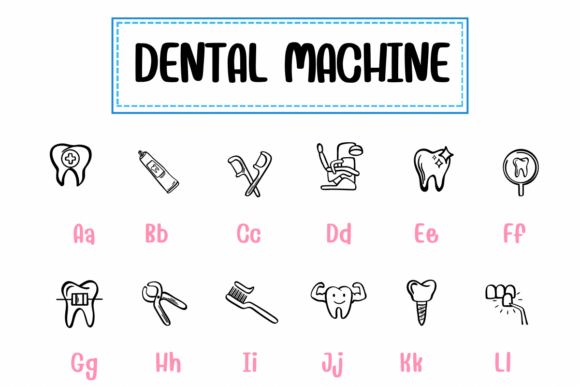
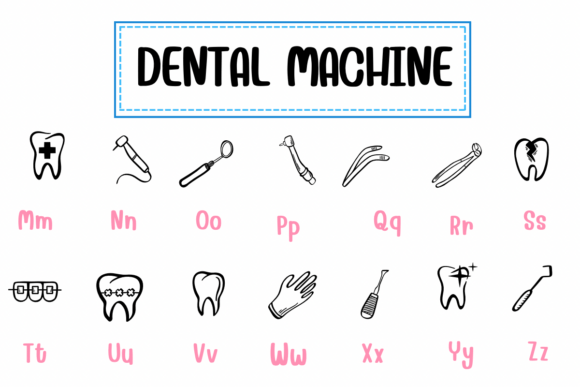
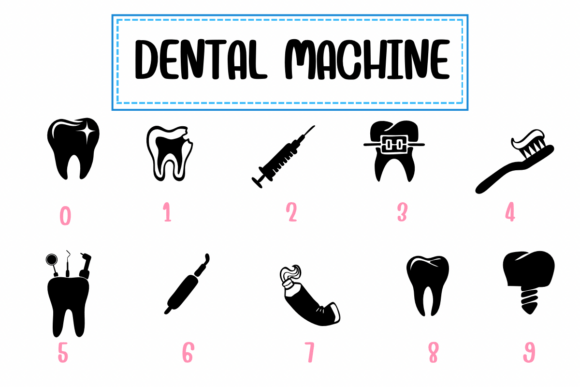
Commercial license included • Instant download • No registration required
What is Dental Machine Font?
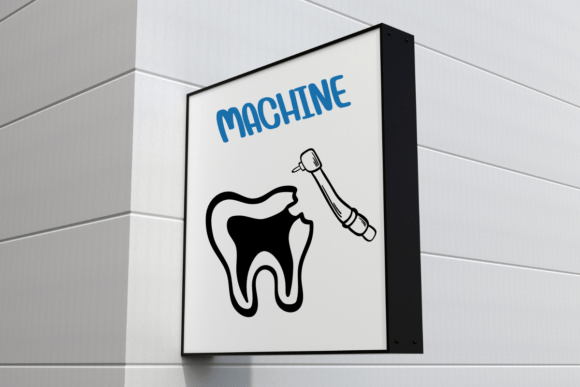
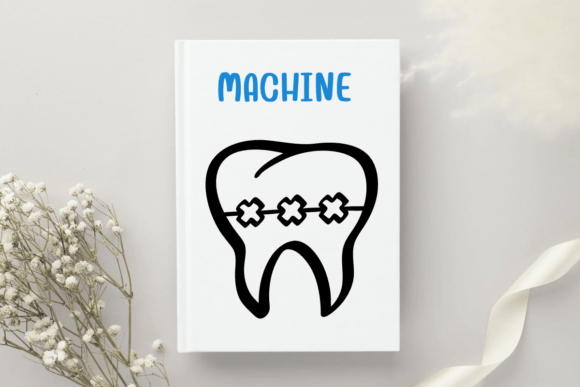
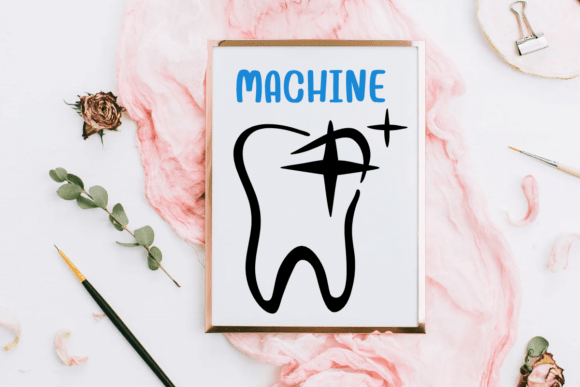
Dental Machine font is a dingbats font that features a unique and quirky design. The font is inspired by dental machines and equipment, giving it a cool and industrial look. The font is made up of various dental-themed symbols, including drills, extractors, and other equipment. Each symbol is carefully crafted to give the font a distinctive and recognizable style.
Features of Dental Machine Font
The Dental Machine font has several features that make it stand out from other dingbats fonts. Here are some of its key features:
- Unique Design: The Dental Machine font has a unique and quirky design that is sure to grab attention. The font’s dental-themed symbols give it a distinctive look that is perfect for creative projects.
- High-Quality Symbols: The font features high-quality symbols that are clear and crisp. Each symbol is carefully crafted to ensure that it looks great in any design.
- Easy to Use: The Dental Machine font is easy to use and can be installed on your computer in just a few minutes. Once installed, you can use the font in any design software, including Adobe Illustrator and Photoshop.
- Commercial Use: The Dental Machine font is licensed for commercial use, which means you can use it in your commercial projects without worrying about any restrictions.
How to Use Dental Machine Font
Using the Dental Machine font is easy! Here are the steps to follow:
- Download the Font: The first step is to download the Dental Machine font from a reputable font website. Make sure to choose a website that offers high-quality fonts and a secure download process.
- Install the Font: Once you’ve downloaded the font, install it on your computer. The installation process typically involves double-clicking on the font file and following the prompts.
- Choose a Design Software: Next, choose a design software to use the font in. Popular options include Adobe Illustrator and Photoshop.
- Select the Font: In your design software, select the Dental Machine font from the font menu. You can then use the font to create your design.
Creative Project Ideas Using Dental Machine Font
The Dental Machine font is a versatile font that can be used in a variety of creative projects. Here are some ideas to get you started:
- Logo Design: The Dental Machine font is perfect for logo design. You can use the font to create a unique and memorable logo for a dental clinic or a related business.
- Brochure Design: You can use the Dental Machine font to create a brochure for a dental clinic or a related business. The font’s quirky design is sure to grab attention and make your brochure stand out.
- T-Shirt Design: The Dental Machine font is also great for t-shirt design. You can use the font to create a unique and eye-catching design for a dental-themed t-shirt.
- Social Media Graphics: You can use the Dental Machine font to create social media graphics, including Facebook posts, Instagram posts, and Twitter headers.
Dental Machine Font: Access Download Now
| Font Name | Dental Machine Font |
| Author | PraewDesigns |
| Download | Access Download Here |
Conclusion
In conclusion, the Dental Machine font is a cool and unique dingbats font that is perfect for creative projects. Its dental-themed symbols give it a distinctive look that is sure to grab attention. With its high-quality symbols, easy-to-use design, and commercial license, the Dental Machine font is a great addition to any designer’s toolkit. So why not give it a try and see what amazing designs you can create?