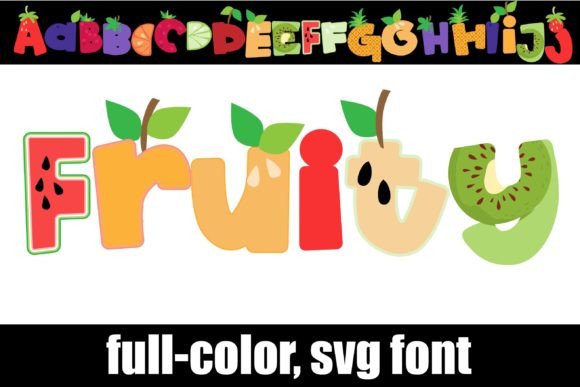
Fruity Font Free Download – Windows, Mac, Linux
Fruity Font: Add a Pop of Color to Your Designs with this Fun and Unique Font
Are you tired of using the same old boring fonts in your designs? Look no further! Introducing Fruity Font, a full-color font that features a simple sans-serif made out of fruit. This innovative font is perfect for designers and crafters who want to add a touch of personality to their work. In this article, we’ll take a closer look at Fruity Font, how it works, and how you can use it to take your designs to the next level.
📸 Font Preview Gallery
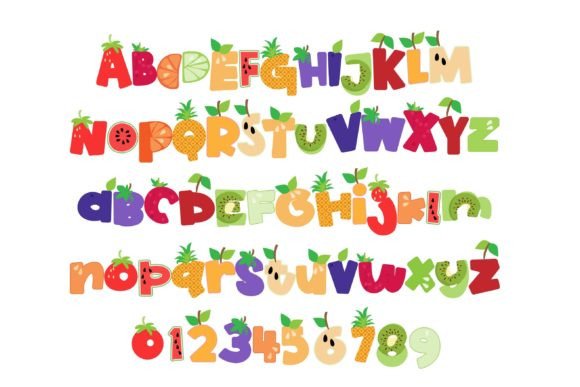
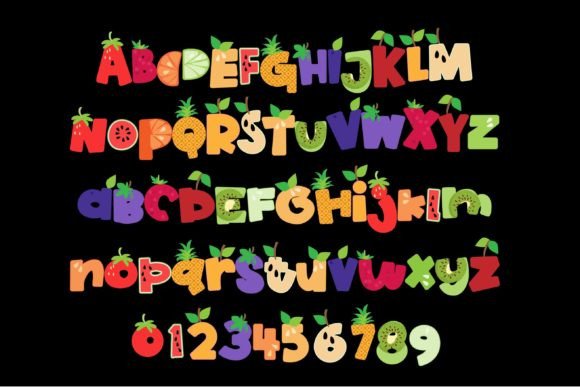
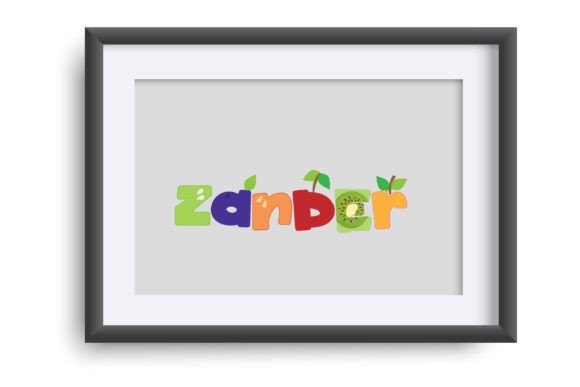
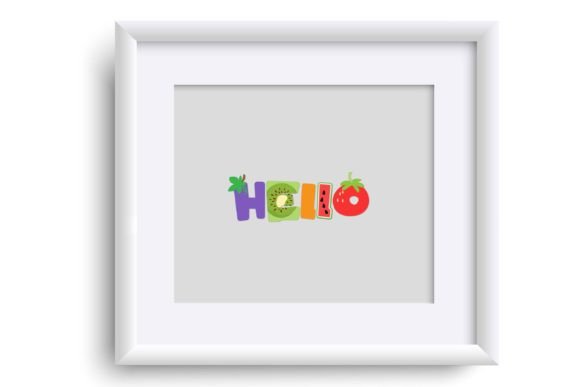
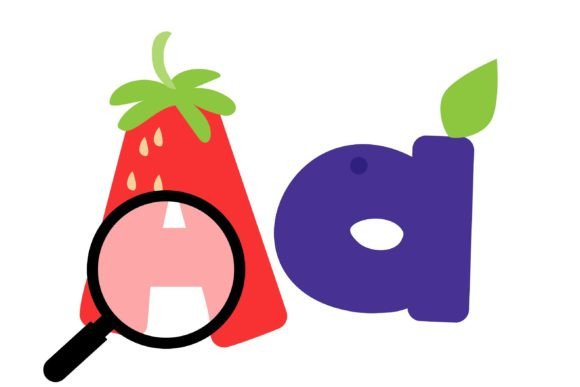
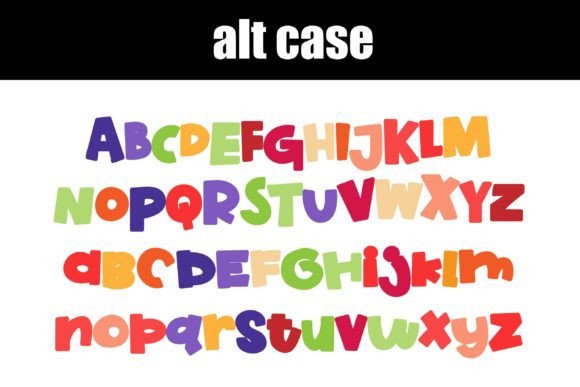
Commercial license included • Instant download • No registration required
What is Fruity Font?
Fruity Font is an OpenType full-color (SVG) font that can be installed like any normal .otf font. This means that Mac users can install it via FontBook, while Windows users can use their preferred font manager or Control Panel. Once installed, you can use Fruity Font in a variety of design programs, including Adobe products, Silhouette Studio, Quark, and Inkscape.
How Does Fruity Font Work?
Fruity Font is a vector-based font, which means that it can be scaled to any size without losing quality. This makes it perfect for designing logos, illustrations, and other graphics that need to be resized. The font features a range of colors and styles to choose from, allowing you to create anything from simple text logos to complex illustrations.
What Programs Support Fruity Font?
Not all design programs support full-color SVG fonts, but many popular ones do. Some of the programs that support Fruity Font include:
- Adobe products (such as Photoshop, Illustrator, and InDesign)
- Silhouette Studio
- Quark
- Inkscape
If you’re not sure whether your program supports Fruity Font, you can test it out by typing on a document and checking to see if the font appears in color. If it does, then your program supports full-color SVG fonts.
What to Expect When Using Fruity Font
When using Fruity Font, you may notice that it appears as black in some programs that don’t support full-color SVG fonts. This is normal, and it doesn’t mean that the font isn’t working properly. It’s simply a limitation of the program you’re using.
However, when you use Fruity Font in a program that supports full-color SVG fonts, you’ll see the font in all its colorful glory. You can choose from a range of colors and styles to create unique and eye-catching designs.
Tips for Using Fruity Font
Here are a few tips for getting the most out of Fruity Font:
- Experiment with different colors and styles to create unique designs.
- Use Fruity Font to add a pop of color to your designs and make them stand out.
- Take advantage of the font’s vector-based design to create scalable graphics.
- Use Fruity Font to create custom logos, illustrations, and other graphics.
Fruity Font: Access Download Now
| Font Name | Fruity Font |
| Author | Illustration Ink |
| Download | Access Download Here |
Conclusion
Fruity Font is a fun and unique font that’s perfect for designers and crafters who want to add a touch of personality to their work. With its simple sans-serif design made out of fruit, this full-color font is sure to make your designs stand out. Whether you’re creating logos, illustrations, or other graphics, Fruity Font is a great choice. So why not give it a try and see what you can create?
With its ease of use, range of colors and styles, and vector-based design, Fruity Font is a great addition to any designer’s toolkit. So go ahead, get creative, and have fun with Fruity Font!