Green Wave Font Free Download – Windows, Mac, Linux
Introducing the Green Wave Font: A Whimsical and Colorful Addition to Your Design Arsenal
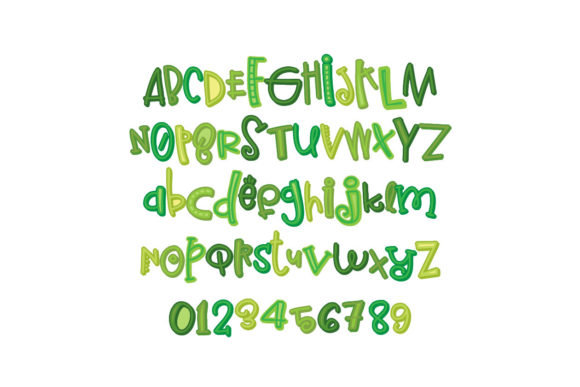
Are you tired of using the same old fonts in your designs? Look no further! The Green Wave Font is here to add a touch of whimsy and fun to your projects. This full-color font features multiple greens in playful, cursive lettering that’s sure to capture the attention of your audience. In this article, we’ll dive into the details of the Green Wave Font, its features, and how to make the most of it in your designs.
📸 Font Preview Gallery
Commercial license included • Instant download • No registration required
A Closer Look at the Green Wave Font
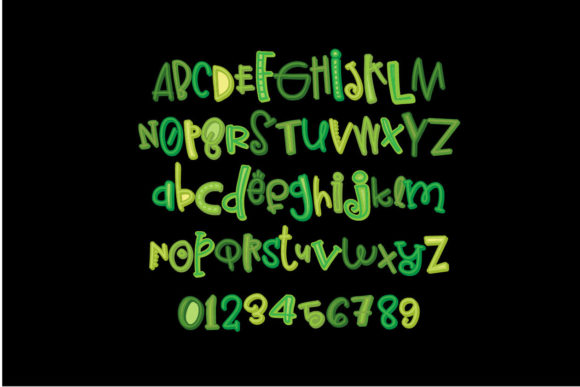
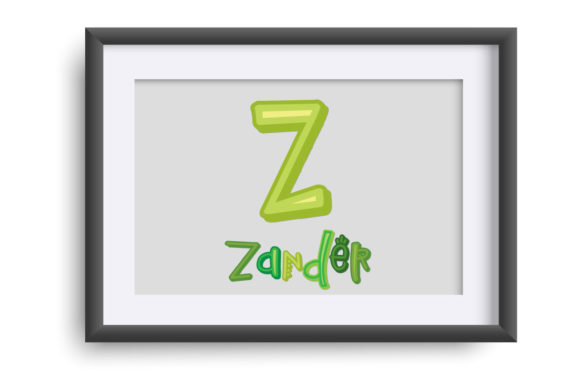
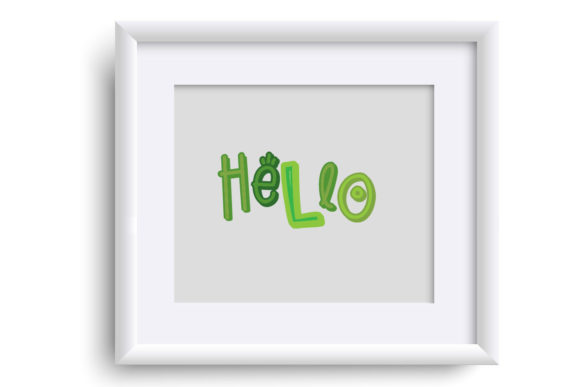
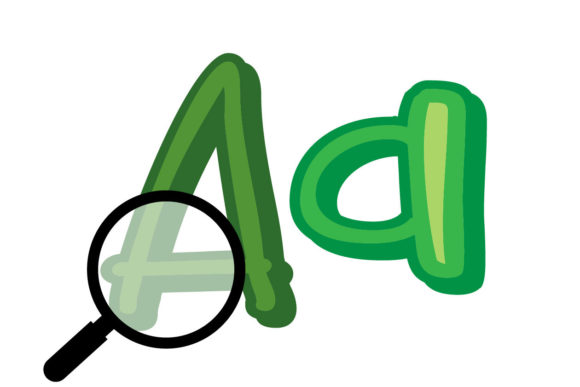
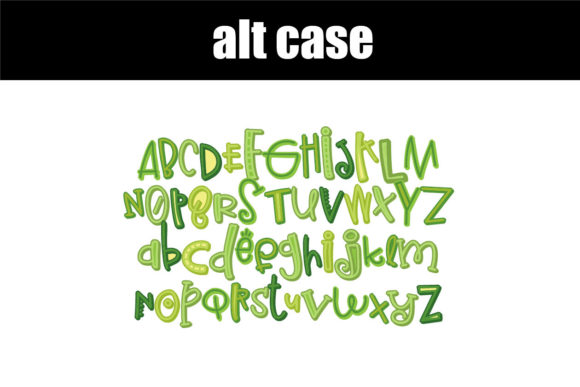
The Green Wave Font is a unique and eye-catching font that features multiple greens in whimsical lettering. Each letter comes in two versions, which can be accessed through your system’s character map. This means you can mix and match different letters to create a truly one-of-a-kind look. The font is also PUA encoded, making it easy to access all of the glyphs and swashes.
Technical Details: Installing and Using the Green Wave Font
The Green Wave Font is an OpenType full-color (SVG) font, which means it can be installed like any normal .otf font. For Mac users, this typically happens via FontBook, while Windows users can use their preferred font manager or Control Panel. It’s essential to note that color fonts may show as black in non-compatible programs. However, if your program supports color fonts, you’ll see the full-color effect when you type on the document.
Compatibility: Which Programs Support the Green Wave Font?
So, which programs support full-color SVG fonts like the Green Wave Font? Some popular options include:
- Adobe products
- Silhouette Studio
- Quark
- Inkscape
If you’re using one of these programs, you can take full advantage of the Green Wave Font’s colorful features. However, if you’re using a program that doesn’t support color fonts, you may see the font as black.
Tips for Using the Green Wave Font in Your Designs
Now that you know more about the Green Wave Font, here are some tips for using it in your designs:
- Use it for headings and titles: The Green Wave Font is perfect for adding a pop of color and whimsy to your headings and titles.
- Pair it with neutral fonts: Balance out the bold, colorful font with neutral fonts for body text.
- Experiment with different colors: While the font features multiple greens, you can also experiment with different colors to create a unique look.
- Use it for crafting and DIY projects: The Green Wave Font is perfect for crafters and DIY enthusiasts who want to add a personal touch to their projects.
Green Wave Font: Access Download Now
| Font Name | Green Wave Font |
| Author | Illustration Ink |
| Download | Access Download Here |
Conclusion
The Green Wave Font is a fun and colorful addition to any designer’s arsenal. With its whimsical lettering and multiple greens, it’s sure to add a touch of personality to your projects. By understanding how to install and use the font, you can take full advantage of its features and create stunning designs. Whether you’re a designer, crafter, or DIY enthusiast, the Green Wave Font is sure to inspire your creativity.
So why settle for boring, plain fonts when you can add a splash of color and whimsy to your designs? Download the Green Wave Font today and start creating unique and eye-catching projects that will leave a lasting impression on your audience.